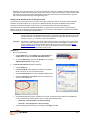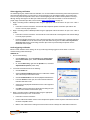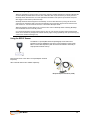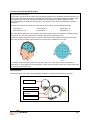
1
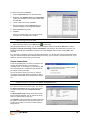
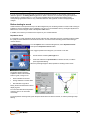
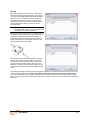
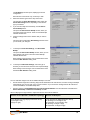
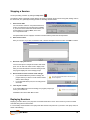
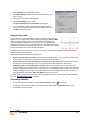
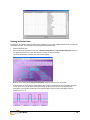
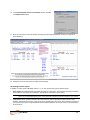
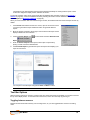
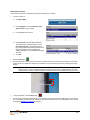
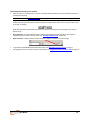
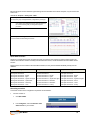
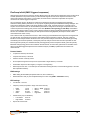
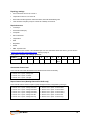
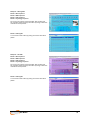
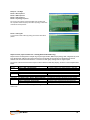
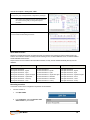
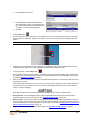
Note: If the Wrong Sensor Type column is empty, the correct sensor has been connected. If you do not connect all the sensors that are required for the selected channel set, the message "Sensor is not detected" appears in the Wrong Sensor Type column. When a sensor is not connected, the program replaces its signal value by a constant value of 1. You can record a session when some sensors are missing, but the corresponding signal will be a flat line. Any calculations based on that signal will not reflect real physiological changes. Before starting to record Certain functions can be performed only in the Recording Screen prior to starting a session. These include running an impedance check for the EEG-Z sensor (obligatory every time you use the EEG-Z sensor), zeroing the MyoScan Pro EMG sensor, and checking the offset of the MyoScan EMG sensor. In addition, this is where you check the level of power in your encoder batteries. Impedance check It is necessary to check impedance values for EEG channels when using EEG-Z sensors. Impedance values indicate the quality of contact between the electrodes and the skin. You do this in the Recording Screen before starting to record a session. From the Options menu of the Recording Screen, select Impedance Check. This opens the Impedance Check window. Then, trigger impedance checking from your encoder. To do this: Ensure that the encoder's power light is on. Press and hold down the power button for about 3 seconds, or until the power light starts blinking. When the power light begins to blink, impedance checking mode is active. The graphic display shows the impedance values of the selected sensor in green, orange or red. Green indicates a low value. Orange indicates a medium value. Red indicates a high value. Ideally, all three measurements should display in green. For more information about impedance checking, press F1 to consult the on-line help. To exit impedance checking mode, press the power button down for about 3 seconds, or until the power light stops blinking. User Manual 30