1
Print Individual Student Progress Report
•
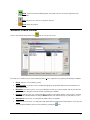
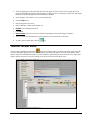
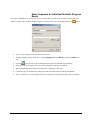
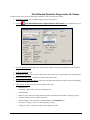
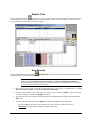
Select a student and click the
•
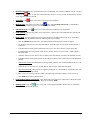
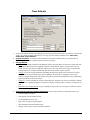
Choose the report options. If Teacher Note is selected, before the report prints, the user will be given an option
to enter a Comment to appear on every progress report. This is different from Activity Comments and Individual
Student Comments. If Course Comment is selected, the individual student comments will be added.
•
Attendance may also be printed on Progress Reports.
button to print his or her progress report.
Print Grade Book
•
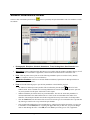
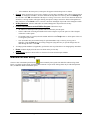
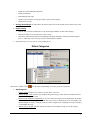
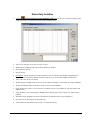
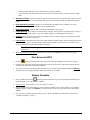
Click the
•
Print as often as needed to keep a hard copy of grades.
•
Print at the end of each grading period to turn in at end of year.
Quick Reference Guide
button to print the Grade Book.
STI_0912061800
STIClassroom Win – Overview • 15