1
S E C T I O N
2
PC Board and Keypad Mounting
• • • • • • • • • • • • • • • • • • • • • • • • • • • • • • • • • • • • • • • • • • • • • • • • •
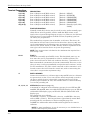
Mounting the XL-2T PC Board
To make it easier to install the control panel, the door of the metal cabinet may be removed.
Remove the door as follows:
1.
With the cabinet laying on a flat surface, swing open the door to its full-open position.
2.
Slide the door out of its retaining slots in the cabinet and store in a safe place.
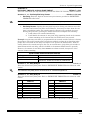
Before mounting printed circuit board, make sure you remove all appropriate metal knockouts
from the metal cabinet. do not attempt to remove the knockouts after circuit board has been
installed.
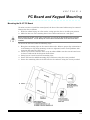
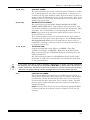
To mount the PC board, take the following steps:
1.
2.
3.
4.
5.
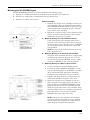
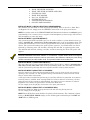
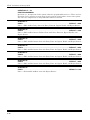
Hang three mounting clips on the raised cabinet tabs. Observe proper clip orientation to
avoid damage to clip when mounting screws are tightened, and to avoid problems with
insertion and removal of PC board.
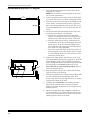
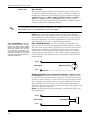
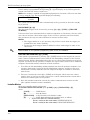
Insert top of circuit board into slots at top of cabinet. Make sure that circuit board rests
in slots as indicated in the diagram shown below.
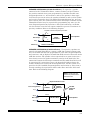
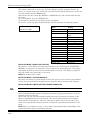
Swing base of circuit board onto mounting clips.
Secure PC board to middle mounting clip of enclosure using the screw provided.
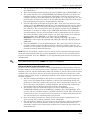
Secure the remaining sides of the PC board to the enclosure using the screws pr ovided.
2–1