1
Intelligent Building Series
10
Schedule Plus Programmer's Guide
Documenting the Installation
Planning the Project
The designer of the Schedule Plus project must capture the requirements of the user before
commencing the actual creation of a Schedule Plus project. Some useful pro-forma forms are
shown in this section.
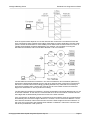
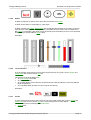
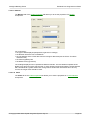
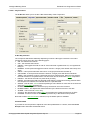
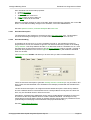
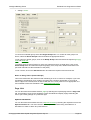
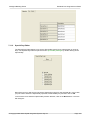
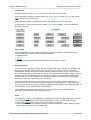
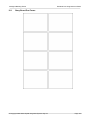
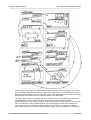
The Story Board Pro-Forma can be used for sketching out the pages required for the Project.
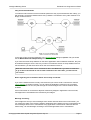
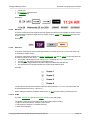
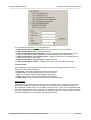
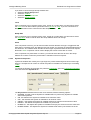
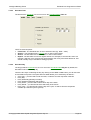
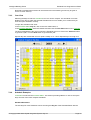
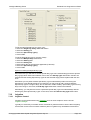
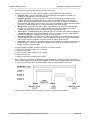
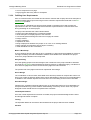
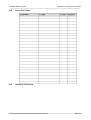
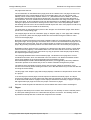
The Scene Pro-Forma has two parts, the triggering and the actions part. Any scene can be
triggered by a Group Address being set to a Level. The actions section specifies what is to be
turned on, to what level and how fast.
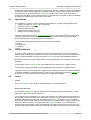
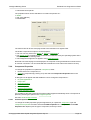
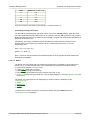
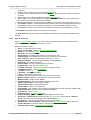
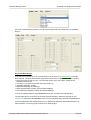
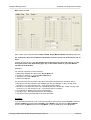
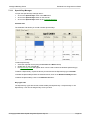
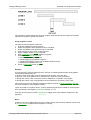
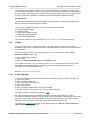
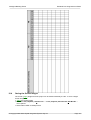
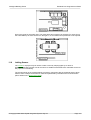
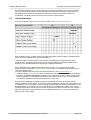
To use the Scheduling Pro-Forma fill in the area to be controlled and draw a line from the start to
finish time required. This list is used in the Scheduling editor accessed via the Edit | Schedule |
Edit Schedule menu item.
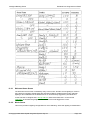
See the Tutorial Project for examples of how the Pro-Formas are used.
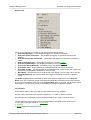
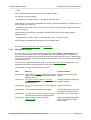
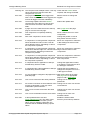
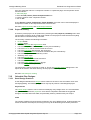
Documenting the Results
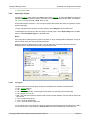
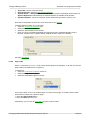
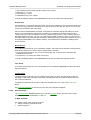
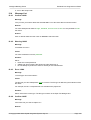
The Screen Images can be saved so that they can be put into your project documentation.
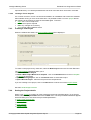
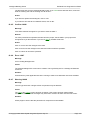
The overall project can be summarised with the Project Summary.
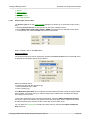
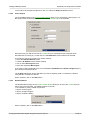
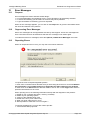
A User Manual can be generated automatically to provide to the user of the Schedule Plus Project.
© Copyright 2000-2005 Clipsal Integrated Systems Pty Ltd
Page 124