1
Intelligent Building Series
Schedule Plus Programmer's Guide
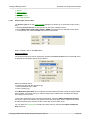
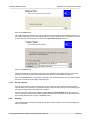
12.4.115Confirmation 14116
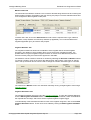
Message
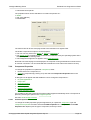
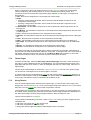
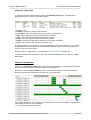
"Are you sure that you want to clear all of the Logic ?"
Cause
You have requested to clear all of the logic code.
Solution
Click on Yes to delete the code, otherwise click on the No button.
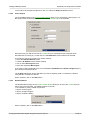
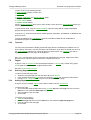
12.4.116Warning 14117
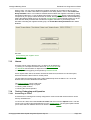
Message
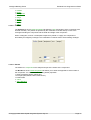
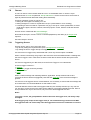
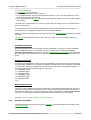
"Please Note You are entering the Logic Programming Engine of the Schedule Plus software.
Logic programming extends the use of Schedule Plus using logic statements defined by the
installer. Clipsal Integrated Systems cannot control the contents of program modules written in this
Logic Engine and
as such will not be held responsible for any loss or damages that may result from incorrect Logic
Engine programming. Clipsal Integrated Systems recommend that only Clipsal Systems Integrators
or Approved Installers with the appropriate level of training and accreditation use this part of
Schedule Plus Manufacturer's warranties may be void if this is not complied with. Please contact
your C-Bus specialists for further details. Please click on the "I Accept" button if you understand the
above and wish to use the Logic Engine."
Cause
You are opening the Logic Engine for the first time. Logic needs to be used with caution and should
only be used by trained installers.
Solution
Click on the I Accept button to accept the conditions of use and open the Logic Engine, otherwise
click on I Don't Accept.
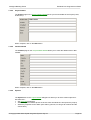
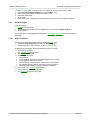
12.4.117Warning 14118
Message
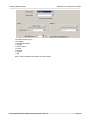
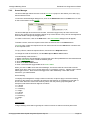
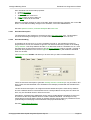
"Logic can not be edited while the Logic Engine is running."
Cause
It is not possible to edit the Logic code while the Logic Engine is running.
Solution
Stop the Logic from running, then make changes.
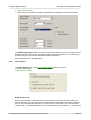
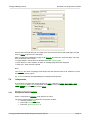
12.4.118Warning 14119
Message
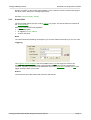
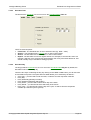
"Please add a comment."
Cause
© Copyright 2000-2005 Clipsal Integrated Systems Pty Ltd
Page 169