1
Chapter 12
Family Disease
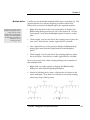
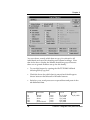
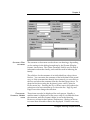
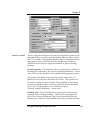
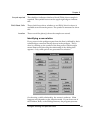
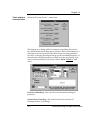
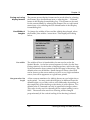
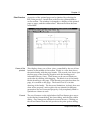
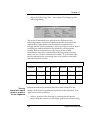
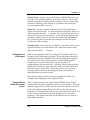
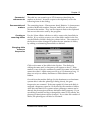
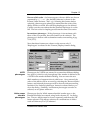
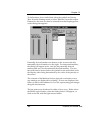
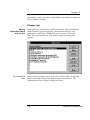
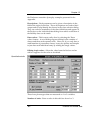
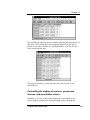
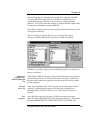
These are the names of the familial disorders. This disease name
does not have to appear in the program's list of diseases, but
selecting the box with a +
‘ ’in it brings up list of defined names.
Up to seven names can be selected, but the affected symbols in the
toolbar are available only for four of them. If the name is not on
the list, select the A
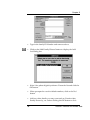
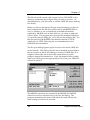
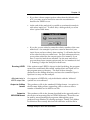
‘ dd locus...’button. This brings up a dialog box
which allows the name to be entered, and a new disease definition
to be created.
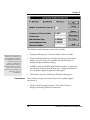
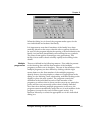
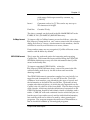
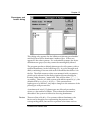
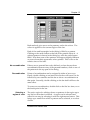
By default, the diseases are given colours in a defined order, but
the colour can be changed by selecting the C
‘ olour...’button. If the
disease definition included a defined colour, this is used instead.
The P
‘ attern...’button is used to select a pattern to be used instead
of a colour for monochrome output devices.
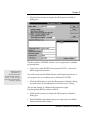
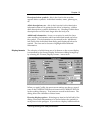
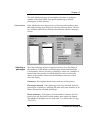
Quantitative Value
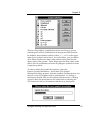
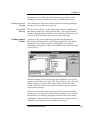
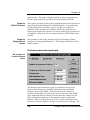
These must be defined as disease loci, whether used as one or not,
so that the details of means and variances can be established.
Selecting the button labelled +
‘ ’gives the list of def ined
quantitative loci that have been pre-defined. The program stores
values for up to seven quantitative variable per individual. If
marker phenotypes are displayed on the screen, so will any
Disease and marker data
175