1
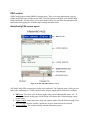
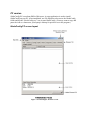
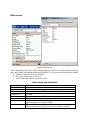
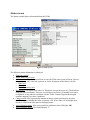
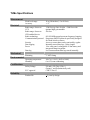
Version
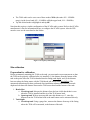
Drop in top level,
Drop time span
The TLMe firmware version.
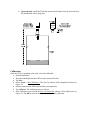
If the level drop alarm is enabled, these will display the level drop
in feet and inches, and the drop time. See the Alarms section.
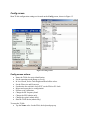
Data screen actions
•
•
•
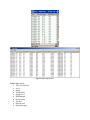
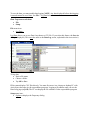
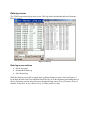
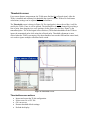
View and refresh the current TLMe data.
Export (save) the data to a file.
Run a data loop test.
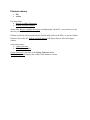
Data screen menus
•
•
File.
Action.
File menu item.
• Export...
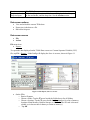
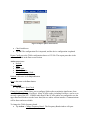
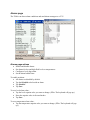
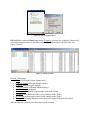
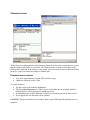
To export the data displayed on the TLMe Data screen to a Comma Separated Variable (CSV)
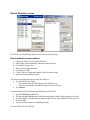
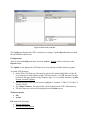
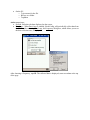
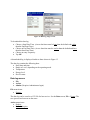
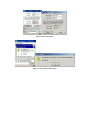
file, tap File > Export... iNodeConfig will display the Save As screens, shown in Figure 11.
Figure 11. File Export, Save As screens.
•
On the PDA,
o Enter a filename.
o Choose a folder. Tap the ▼ arrow beside the Folder box to list all folders.
o Choose a location. Tap the ▼ arrow beside the Location box for a list of memory
locations: Main Memory, Built-In Storage, or SD Card. (The SD card is the most
reliable, as it does not need a battery to retain its memory.)
o Tap OK.