1
2.7
First launch of FLEXCUBE after installation
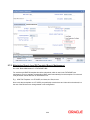
After installing FLEXCUBE and while launching it for first time, the normal FCUBS login screen with
userid and password will appear, this is because when installing the ‘sso installed’ parameter will be set
to ‘N’.
2.7.1 Bank Parameter maintenance
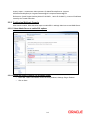
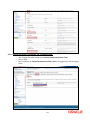
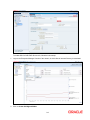
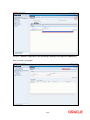
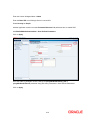
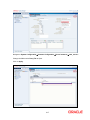
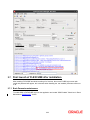
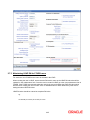
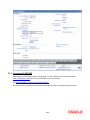
To enable SSO in FLEXCUBE, login into the application and enable “SSO Enabled” Check box in “Bank
Maintenance [SMDBANKP]” screen.
2-23