1
Abaqus/Standard 3-D EXAMPLE: SHEARING OF A LAP JOINT
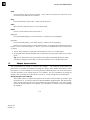
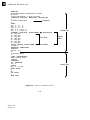
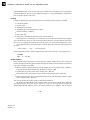
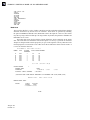
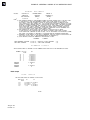
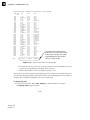
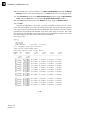
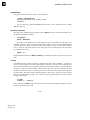
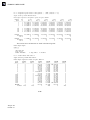
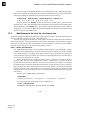
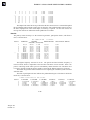
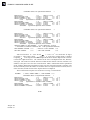
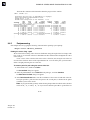
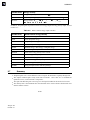
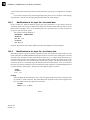
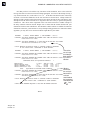
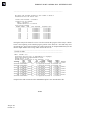
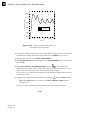
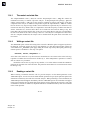
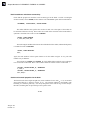
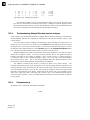
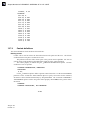
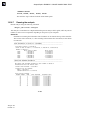
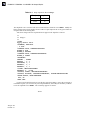
112000., 0.34
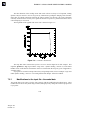
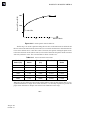
*PLASTIC
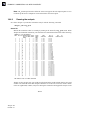
907.00, 0.
934.86, 0.001
944.28, 0.002
961.77, 0.005
973.73, 0.008
983.28, 0.011
993.89, 0.015
1014.7, 0.025
1023.3, 0.030
1051.1, 0.050
1099.8, 0.100
1129.0, 0.140
1164.9, 0.200
1190.2, 0.250
1212.8, 0.300
12.7.4
Contact definitions
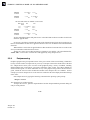
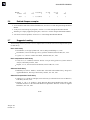
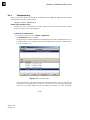
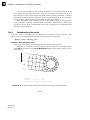
The contact definitions for the model are discussed here.
Defining contact
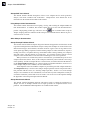
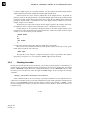
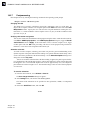
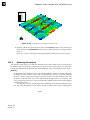
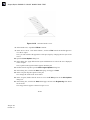
Contact will be used to enforce the interactions between the plates and the rivet. The friction
coefficient between all parts is assumed to be 0.05.
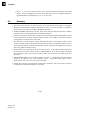
This problem could use either contact pairs or the general contact algorithm. We will use
general contact in this problem to demonstrate the simplicity of the contact definition.
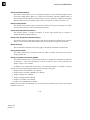
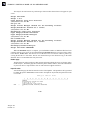
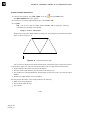
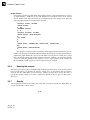
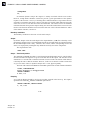
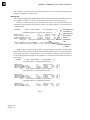
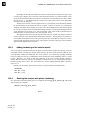
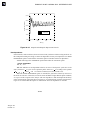
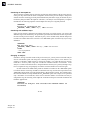
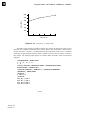
The contact property is defined using the *SURFACE INTERACTION option; a friction
coefficient of 0.05 is specified.
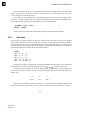
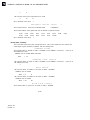
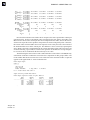
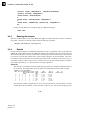
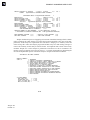
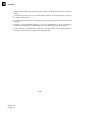
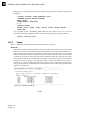
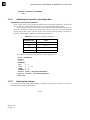
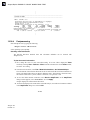
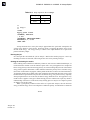
*SURFACE INTERACTION, NAME=FRIC
*FRICTION
0.05,
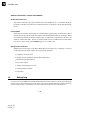
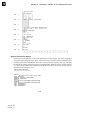
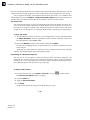
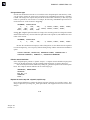
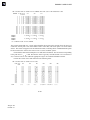
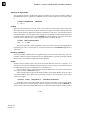
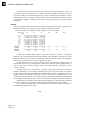
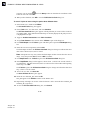
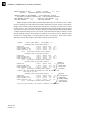
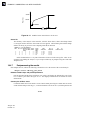
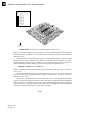
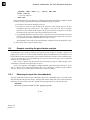
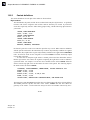
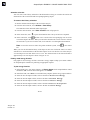
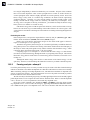
Use the *CONTACT option to define a general contact interaction. Use the ALL EXTERIOR
parameter on the *CONTACT INCLUSIONS option to specify self-contact for the unnamed,
all-inclusive surface defined automatically by Abaqus/Standard. The *CONTACT PROPERTY
ASSIGNMENT option is used to assign the contact property named FRIC to the general contact
interaction.
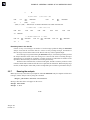
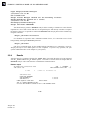
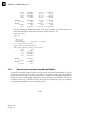
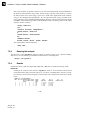
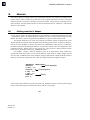
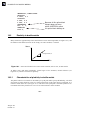
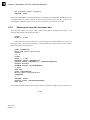
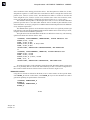
*CONTACT
*CONTACT INCLUSIONS, ALL EXTERIOR
12–40
Abaqus ID:
Printed on: