1
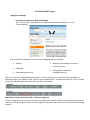
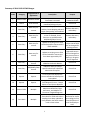
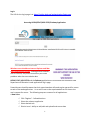
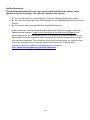
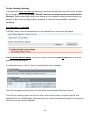
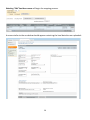
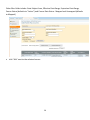
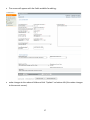
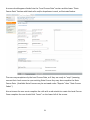
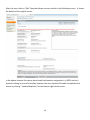
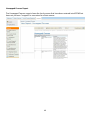
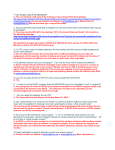
After the user clicks on “Edit” they should see a screen similar to the following screen. It shows
the details of the original course.
In the above instance this course has already had teachers assigned to it in EDCS and so it
prevents editing in most of the fields, however the user should still be able to duplicate the
course by clicking “Update/Duplicate” on the bottom right of the screen.
36