1
Hardened Managed PoE Ethernet Switch
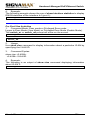
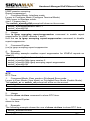
switch_a(config)#
2. Usage:
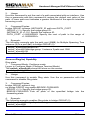
Use this command to set the hello-time, the time in seconds after which (if
this bridge is the root bridge) all the bridges in a bridged LAN exchange
Bridge Protocol Data Units (BPDUs).
3. Command Syntax:
bridge GROUP hello-time HELLOTIME
no bridge GROUP hello-time
GROUP <1-1> The ID of the bridge group to which this hello time is
assigned.
HELLOTIME <1-9> The hello BPDU interval in seconds.
4. Example:
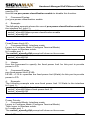
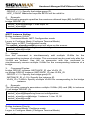
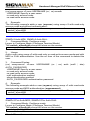
The following example sets the hello-time HELLOTIME (9) of bridge GROUP
(1):
switch_a(config)#bridge 1 hello-time 9
switch_a(config)#
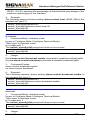
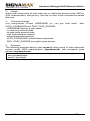
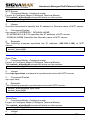
Max Age (sec) (6..28):
1. Command Mode: Configure mode
Logon to Configure Mode (Configure Terminal Mode).
The switch_a(config)# prompt will show on the screen.
switch_a(config)#
2. Usage:
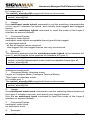
Use this command to set the max-age for a bridge.
Use the no parameter with this command to restore the default value of
max-age.
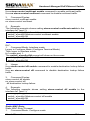
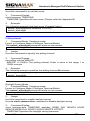
3. Command Syntax:
bridge GROUP max-age MAXAGE
no bridge GROUP max-age
GROUP <1-1> The ID of the bridge group to which this maximum age time
is assigned.
MAXAGE <6-28> The maximum time, in seconds, to listen for the root
bridge.
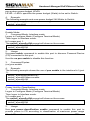
4. Example:
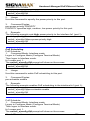
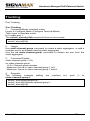
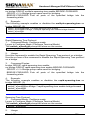
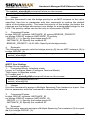
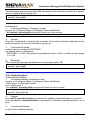
The following example sets the max-age MAXAGE (28) of bridge GROUP
(1):
switch_a(config)#bridge 1 max-age 28
switch_a(config)#
User’s Manual
135