1
Hardened Managed PoE Ethernet Switch
SNMP
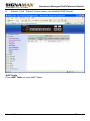
SNMP General Setting, SNMP v1/v2c, SNMP v3
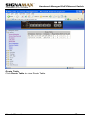
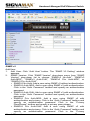
SNMP General Setting
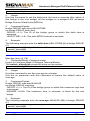
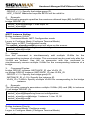
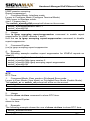
SNMP Status:
1. Command Mode: Configure mode
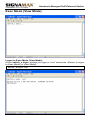
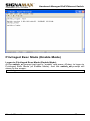
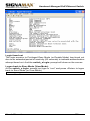
Logon to Configure Mode (Configure Terminal Mode).
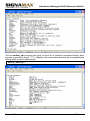
The switch_a(config)# prompt will show on the screen.
switch_a(config)#
2. Usage:
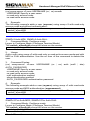
Use snmp-server enable command to enable and no snmp-server enable
command to disable SNMP to the switch.
3. Command Syntax:
(no) snmp-server enable
4. Example:
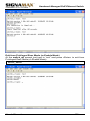
The following example enables SNMP to the switch:
switch_a(config)#snmp-server enable
switch_a(config)#
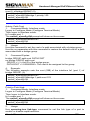
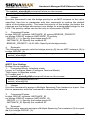
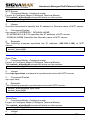
Description:
1. Command Mode: Configure mode
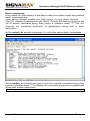
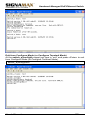
Logon to Configure Mode (Configure Terminal Mode).
The switch_a(config)# prompt will show on the screen.
switch_a(config)#
2. Usage:
Use snmp-server description command to specify and no snmp-server
description command to remove description for SNMP.
3. Command Syntax:
snmp-server description DESCRIPTION
no snmp-server description
DESCRIPTION The description for SNMP.
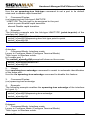
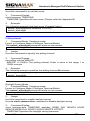
4. Example:
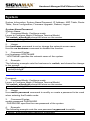
The following example specifies description (description) for SNMP:
switch_a(config)#snmp-server description description
switch_a(config)#
User’s Manual
155