1
Hardened Managed PoE Ethernet Switch
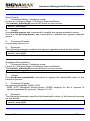
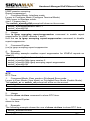
NTP Server:
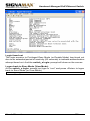
1. Command Mode: Configure mode
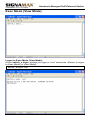
Logon to Configure Mode (Configure Terminal Mode).
The switch_a(config)# prompt will show on the screen.
switch_a(config)#
2. Usage:
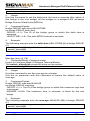
Use this command to specify the IP address or Domain name of NTP server.
3. Command Syntax:
ntp server IP-ADDRESS|DOMAIN-NAME
IP-ADDRESS A.B.C.D specifies the IP address of NTP server.
DOMAIN-NAME Specifies the Domain name of NTP server.
4. Example:
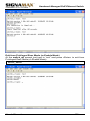
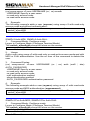
The following example specifies the IP address (192.168.1.100) of NTP
server:
switch_a(config)#ntp server 192.168.1.100
switch_a(config)#
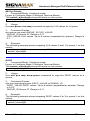
Sync Time:
1. Command Mode: Configure mode
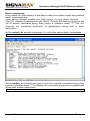
Logon to Configure Mode (Configure Terminal Mode).
The switch_a(config)# prompt will show on the screen.
switch_a(config)#
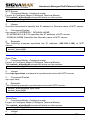
2. Usage:
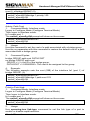
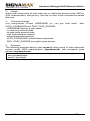
Use ntp sync-time command to synchronize time with NTP server.
3. Command Syntax:
ntp sync-time
4. Example:
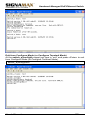
The following example synchronizes time with NTP server:
switch_a(config)#ntp sync-time
switch_a(config)#
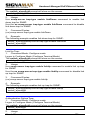
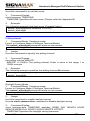
Time Zone:
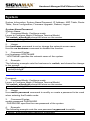
1. Command Mode: Configure mode
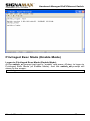
Logon to Configure Mode (Configure Terminal Mode).
The switch_a(config)# prompt will show on the screen.
switch_a(config)#
2.
Usage:
User’s Manual
178