1
USER MANUAL
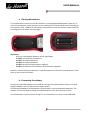
2. STARTING THE REMOTE CONTROL
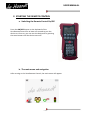
a. Switching the Remote Control On/Off
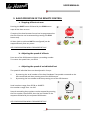
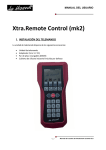
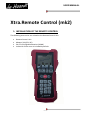
Press the ON/OFF button on the keyboard of the
Xtra.Remote Control for at least one second to turn the
device on. Once on, you can turn the device off by pressing
the same button until the device turns off.
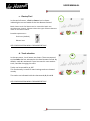
b. The main menu and navigation
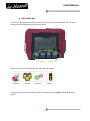
After turning on the Xtra.Remote Control, the main menu will appear.
-3-
User Manual Xtra.Remote Control V3.0