1
User’s Manual of Network Camera/Network Video Server
Camera options
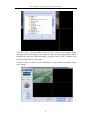
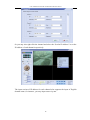
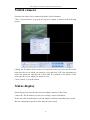
You may set various parameters of camera by selecting certain channel and clicking
the button of “Camera Options” or right clicking the channel and selecting the
“Options”.
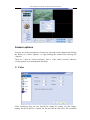
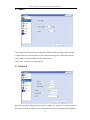
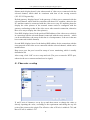
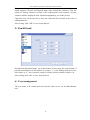
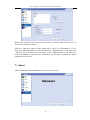
There are 7 items in “Camera Options”, that is, video, audio, network, character
overlap, pan/tilt, user management and about:
1> Video
Video resolution: there are two formats for setting the quality of video image,
namely, the QCIF and D1, of which, the D1 provides the best effect. The resolution
21