1
5.
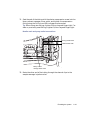
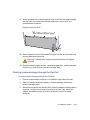
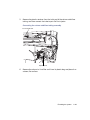
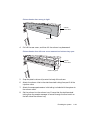
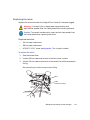
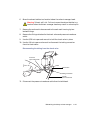
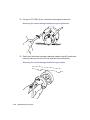
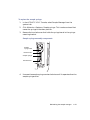
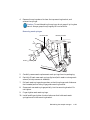
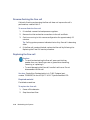
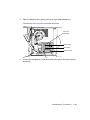
Slide the shelf into the sample organizer until it stops.
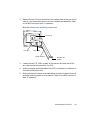
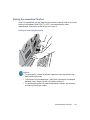
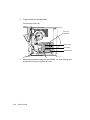
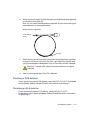
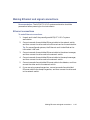
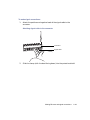
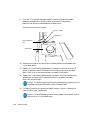
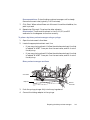
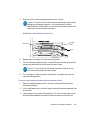
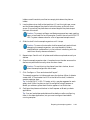
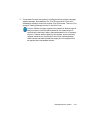
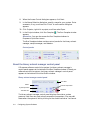
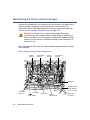
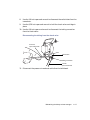
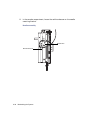
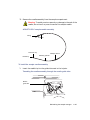
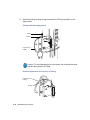
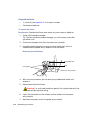
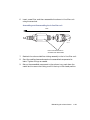
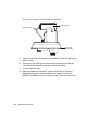
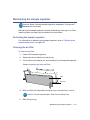
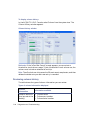
Caution: To ensure the transfer shuttle moves freely and without
damaging the sample organizer, you must be able to slide a
shelf/plate/vial combination in or out without interfering with the
restrictors directly above and below it.
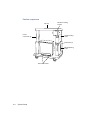
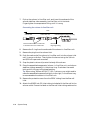
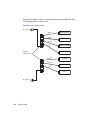
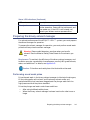
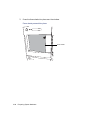
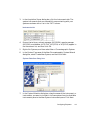
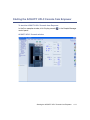
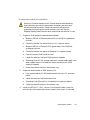
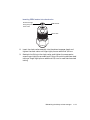
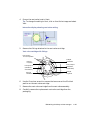
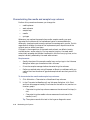
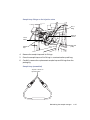
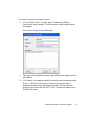
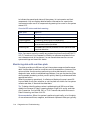
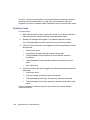
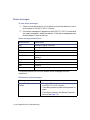
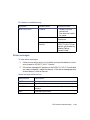
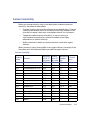
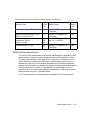
Shelf/plate combination and restrictors
Sample
plate
Restrictors
Shelf
6.
Repeat steps 2 through 5 for the remaining plates.
7.
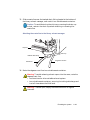
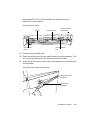
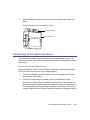
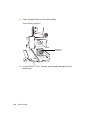
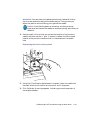
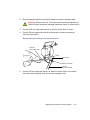
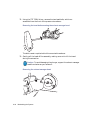
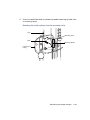
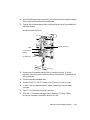
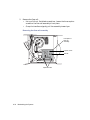
Close the sample organizer door. A mechanism on the door ensures the
shelves are positioned correctly when the door closes.
Caution: To avoid jarring the plates from their shelves, do not
slam the sample organizer door closed.
8.
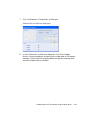
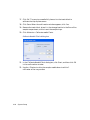
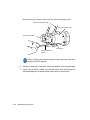
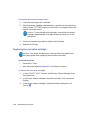
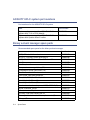
Click Configure > Scan and store shelf layout to update and save the
new shelf configuration.
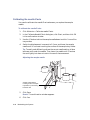
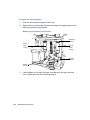
To remove and replace the same plate on the same shelf:
1.
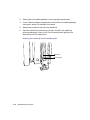
Open the sample organizer door, and then remove plates that have
finished processing.
2.
Pull a shelf toward you, and then insert a plate of the same type and size
on the shelf.
3.
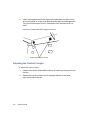
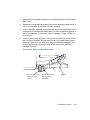
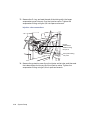
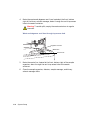
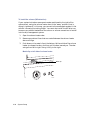
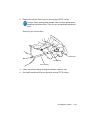
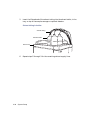
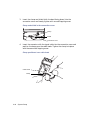
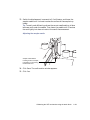
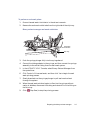
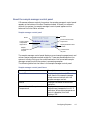
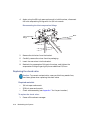
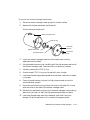
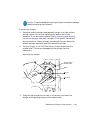
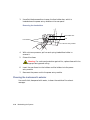
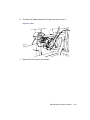
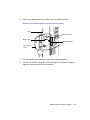
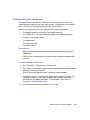
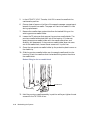
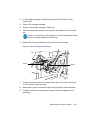
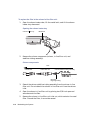
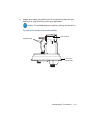
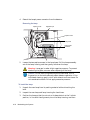
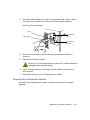
Load a plate onto a shelf so that position A,1 is at the right-rear corner
and the forward edge of the plate is behind the stop at the left-front
Preparing the sample organizer
3-31