1
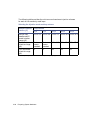
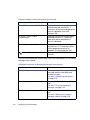
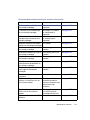
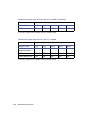
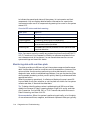
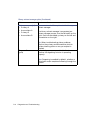
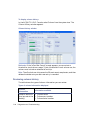
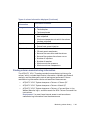
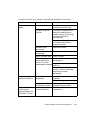
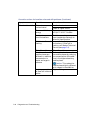
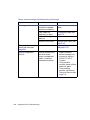
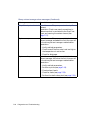
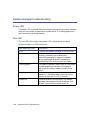
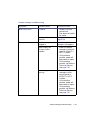
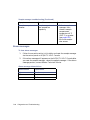
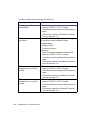
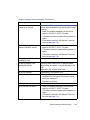
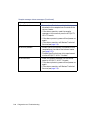
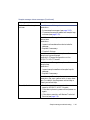
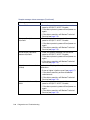
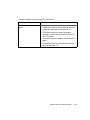
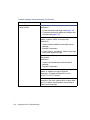
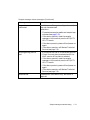
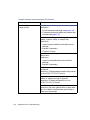
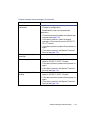
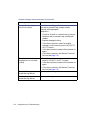
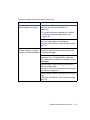
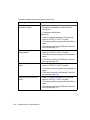
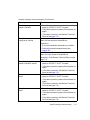
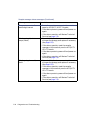
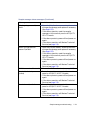
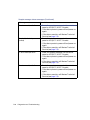
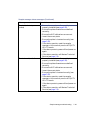
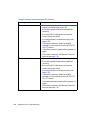
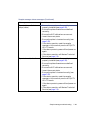
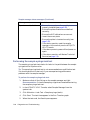
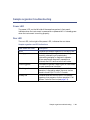
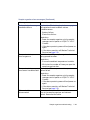
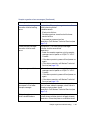
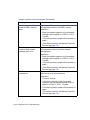
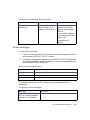
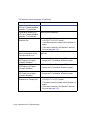
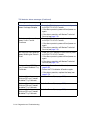
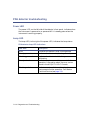
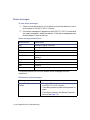
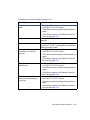
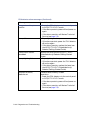
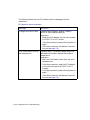
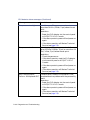
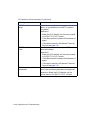
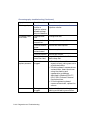
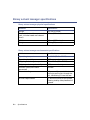
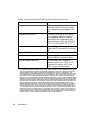
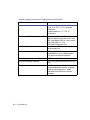
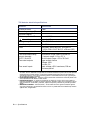
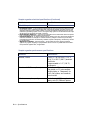
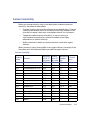
PDA detector alarm messages (Continued)
Message
Resolution
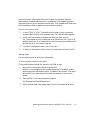
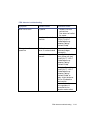
HW Communications
Failure, PDA Reference
ADC
1. Check the Ethernet cable connection at the
PDA detector and network switch. Reconnect
the cable.
2. If the alarm persists, reset the PDA detector
via the control panel or ACQUITY UPLC
Console.
3. If the alarm persists, power-off and power-on
again.
4. If the alarm persists, call Waters Technical
Service (see page 7-4).
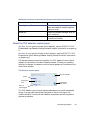
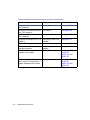
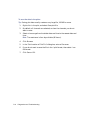
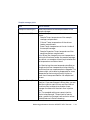
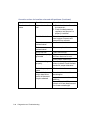
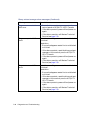
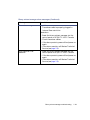
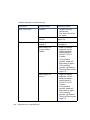
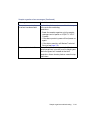
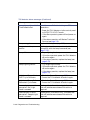
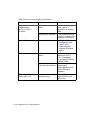
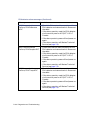
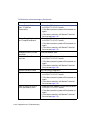
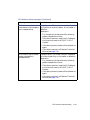
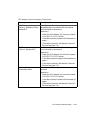
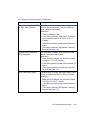
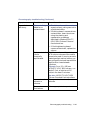
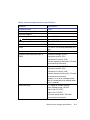
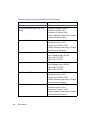
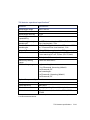
HW Communications
1. Check the Ethernet cable connection at the
Failure, PDA Sample ADC
PDA detector and network switch. Reconnect
the cable.
2. If the alarm persists, reset the PDA detector
via the control panel or ACQUITY UPLC
Console.
3. If the alarm persists, power-off and power-on
again.
4. If the alarm persists, call Waters Technical
Service (see page 7-4).
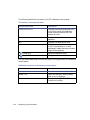
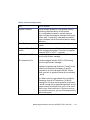
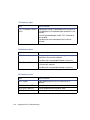
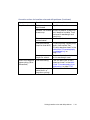
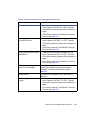
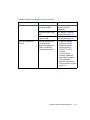
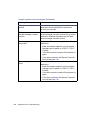
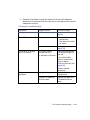
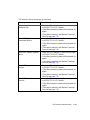
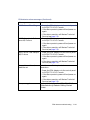
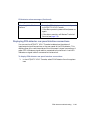
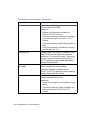
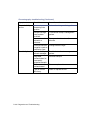
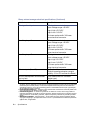
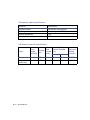
HW Communications
Failure, PDA Temp ADC
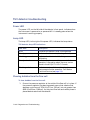
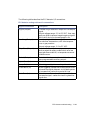
7-120 Diagnostics and Troubleshooting
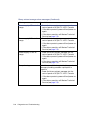
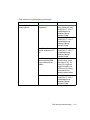
1. Check the Ethernet cable connection at the
PDA detector and network switch. Reconnect
the cable.
2. If the alarm persists, reset the PDA detector
via the control panel or ACQUITY UPLC
Console.
3. If the alarm persists, power-off and power-on
again.
4. If the alarm persists, call Waters Technical
Service (see page 7-4).