1
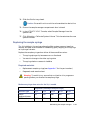
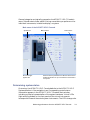
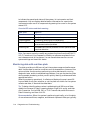
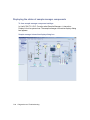
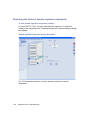
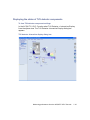
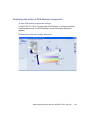
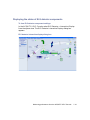
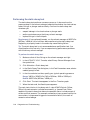
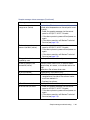
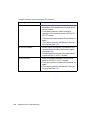
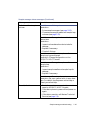
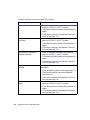
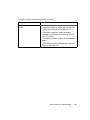
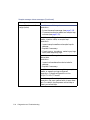
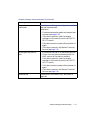
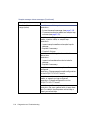
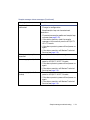
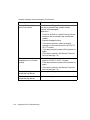
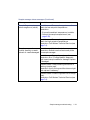
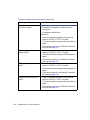
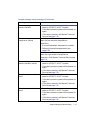
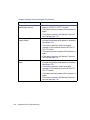
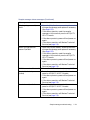
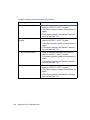
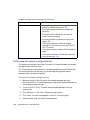
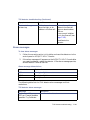
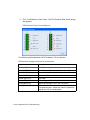
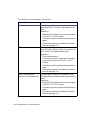
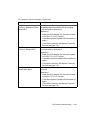
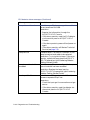
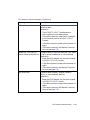
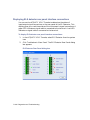
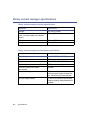
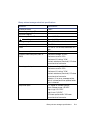
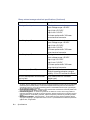
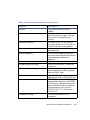
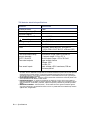
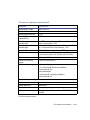
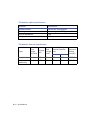
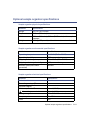
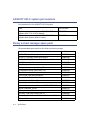
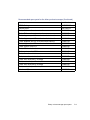
Displaying the status of TUV detector components
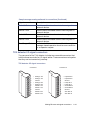
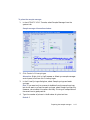
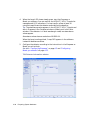
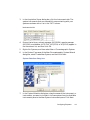
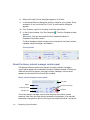
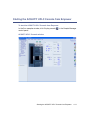
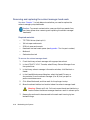
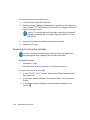
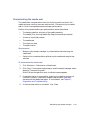
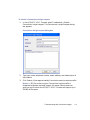
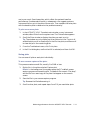
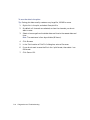
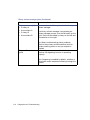
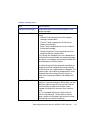
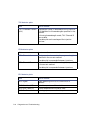
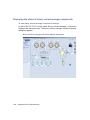
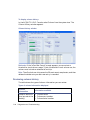
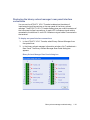
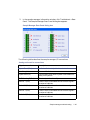
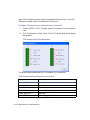
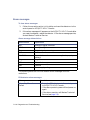
To view TUV detector component settings:
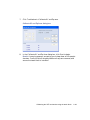
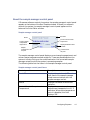
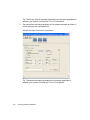
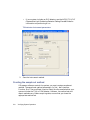
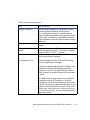
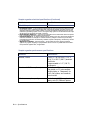
In the ACQUITY UPLC Console, select TUV Detector > Interactive Display
from the system tree. The TUV Detector Interactive Display dialog box
appears.
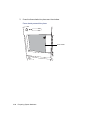
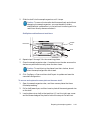
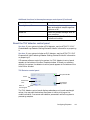
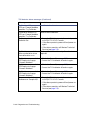
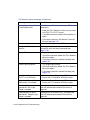
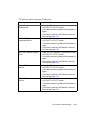
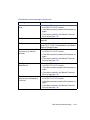
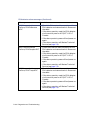
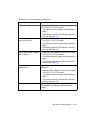
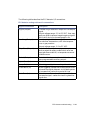
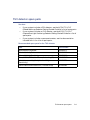
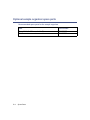
TUV detector interactive display dialog box
Monitoring performance from the ACQUITY UPLC Console
7-27