1
Industrial Wireless Ethernet Router
APR-3100N Series User Manual V1.0
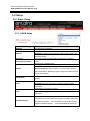
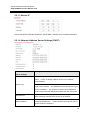
5.2.1.3 Router IP
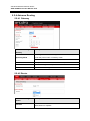
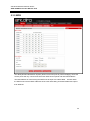
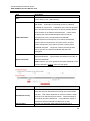
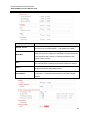
Choose the desired LAN side IP Address, Subnet Mask, Gateway and Local DNS information.
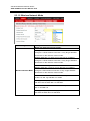
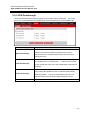
5.2.1.4 Network Address Server Settings (DHCP)
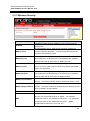
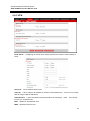
Network Address
Description
Server Settings
Server: Keep the default “Enable” to keep the DHCP server
option.
If there is already a DHCP server on the network,
select “Disable”.
DHCP Type
Forwarder: Additional routers can be hardwired to the main
router on the network. The additional routers will have the type
set as “Forwarder”.
Any devices connected to the additional
routers will receive their DHCP information from the main router.
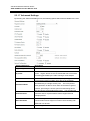
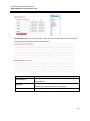
DHCP Server
Enable if the router is to provide DHCP addressing.
Disable if
there is already a DHCP server active on the network.
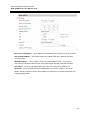
A numerical value for the DHCP server to start with when
Start IP Address
assigning IP addresses.
**Note: Do NOT start with 192.168.1.1
(as the routers IP address).**
16