1
9 – Operating the camera
9.16
Changing emissivity
General
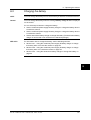
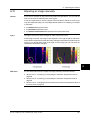
Emissivity is a value that specifies how much radiation an object emits, compared
to the radiation of a theoretical reference object of the same temperature (called a
‘blackbody’).
Except for shiny metals, a value of 0.96 is acceptable for most applications.
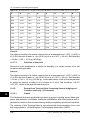
Example values
Procedure
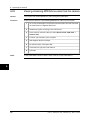
Asphalt paving
0.97
Brick, masonry, paint, plastic
0.93
Copper, heavily oxidized
0.78
Rubber, concrete
0.95
Stucco
0.91
Tape, electrical black
0.96
Wood
0.85
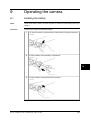
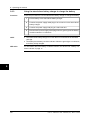
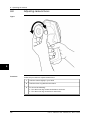
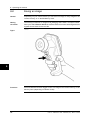
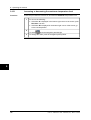
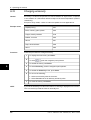
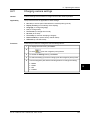
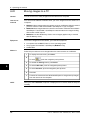
Follow this procedure to change emissivity:
1
To display the main menu, push Menu.
2
To select
9
To enable the menu, push Select.
4
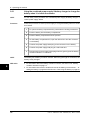
To select Emissivity, push the navigation pad up/down.
5
To enable the Emissivity menu, push Select.
6
Do one of the following:
■
■
7
NOTE
46
, push the navigation pad up/down.
3
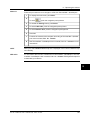
Select an emissivity value in the menu.
Select Set value to set an arbitrary emissivity value.
To close the menu, push Select.
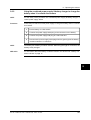
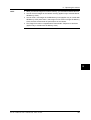
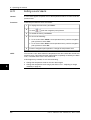
If you set the emissivity to a value lower than 0.5 a warning is displayed on the screen.
This is to remind you that the value is unusually low.
Publ. No. 1558324 Rev. a267 – ENGLISH (EN) – March 12, 2008