1
9 – Operating the camera
9.21
Changing camera settings
General
Camera settings have an effect on images and how the camera operates.
Applicability
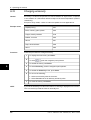
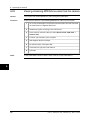
The procedure below is applicable to these settings:
■
■
■
■
■
■
■
■
■
Procedure
Auto off (to set time period after which the camera power goes off)
Display intensity (to set intensity of the display)
Language (to change language)
Unit (to change units)
Time format (to change time format)
Set time (to set time)
Time stamp (to set time-stamping of images)
Restore default (to restore factory default values)
USB cable (to set USB mode)
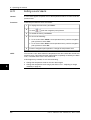
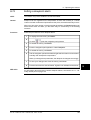
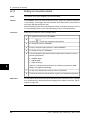
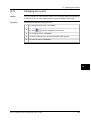
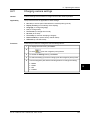
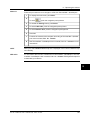
Follow this procedure to change the camera settings above:
1
To display the main menu, push Menu.
2
To select
, push the navigation pad up/down.
3
To enable the Settings menu, push Select.
4
To select the setting you want to change, push the navigation pad up/down.
5
Use the navigation pad and the following buttons to change the setting:
■
■
■
■
Select
Close
OK
Cancel
Publ. No. 1558324 Rev. a267 – ENGLISH (EN) – March 12, 2008
9
53