1
Al Maarefa Colleges for Science and Technology
User Manual-Assignment Activity
Group
Each course in Moodle has been divided to groups based on registered sections.
If you want to make an activity (such as an assignment or a quiz) visible to only one set
of users within a course, you need first to put the users into a group and then put them
into a grouping. A single grouping can house one group or several groups.
Edit Course Settings
To edit the course settings to enable the groups, follow the steps:
1. Login with the appropriate access rights (e.g. editing teacher) and select your
course.
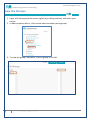
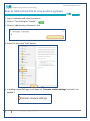
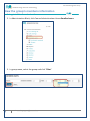
2. In Administration Block, Select Edit Settings.
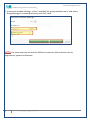
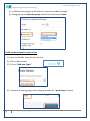
3. Groups settings >select Separate Group for Group mode and click save.
2
Email: [email protected]