1
Al Maarefa Colleges for Science and Technology
User Manual-Assignment Activity
Grouping
Create Grouping
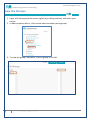
1. Log in to Moodle and select the course.
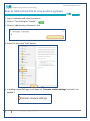
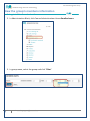
2. Administration Block >Course administration>users >groups
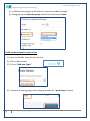
3. Select "Groupings" tab then click on "create grouping" button
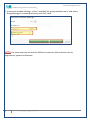
4. Add a grouping name and optional description, and then click save button.
5. Click on group icon to add the groups.
4
Email: [email protected]