1
Result Playback
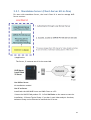
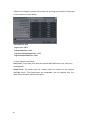
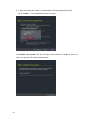
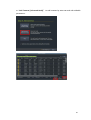
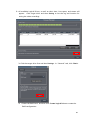
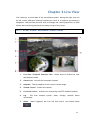
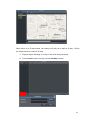
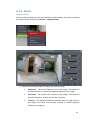
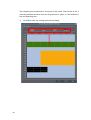
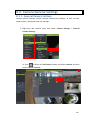
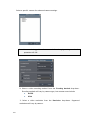
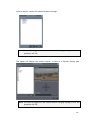
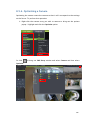
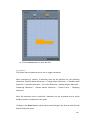
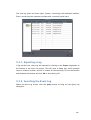
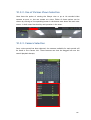
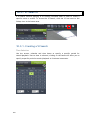
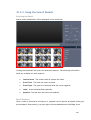
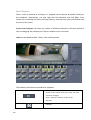
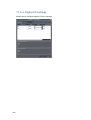
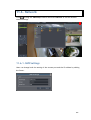
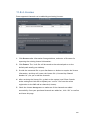
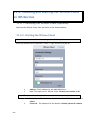
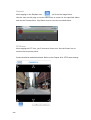
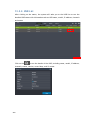
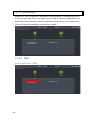
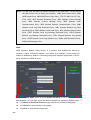
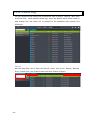
Once a result is selected by clicking on it, playback can be started by double clicking on
the thumbnail. Alternatively, you may right-click the thumbnail and click Play. A ten
minute clip containing the event will begin playing, with the start time synchronized with
the start of the event.
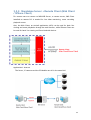
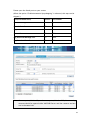
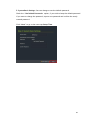
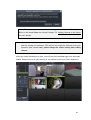
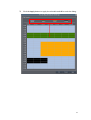
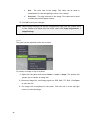
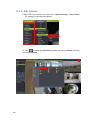
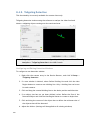
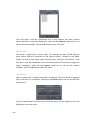
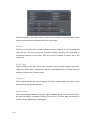
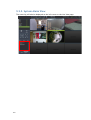
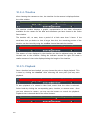
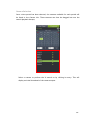
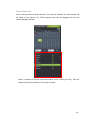
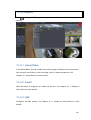
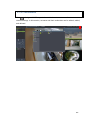
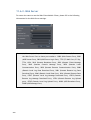
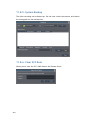
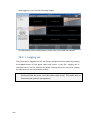
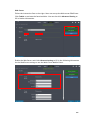
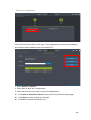
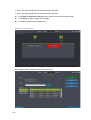
Synchronize Playback can show you results of different cameras in the same period of
time via dragging the cameras you’d like to compare to the view area.
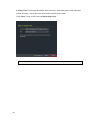
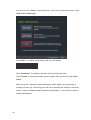
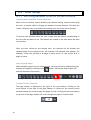
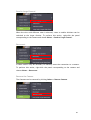
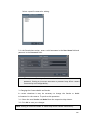
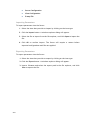
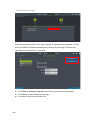
Label can be added as Mark, Check, Clear and Suspicious.
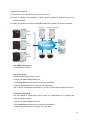
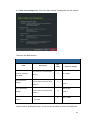
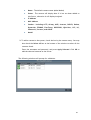
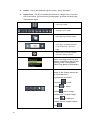
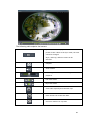
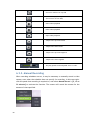
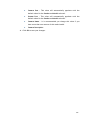
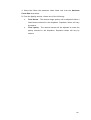
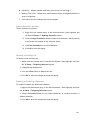
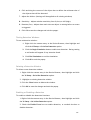
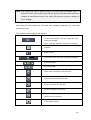
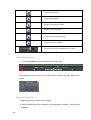
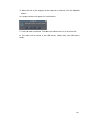
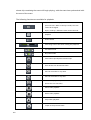
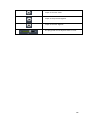
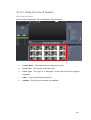
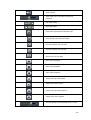
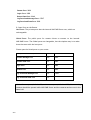
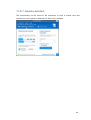
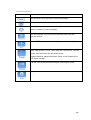
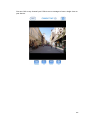
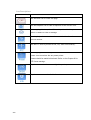
The following functions are available for playback:
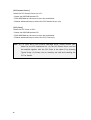
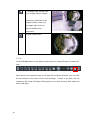
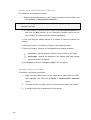
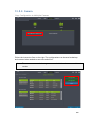
Sync all the views to play videos from the same
period of time. While in the Sync mode, the view
cannot be changed.
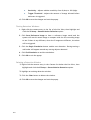
Async, undo syn, different views can be
selected.
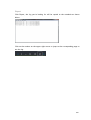
Snapshot
190