1
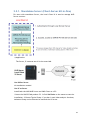
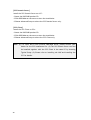
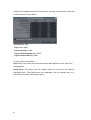
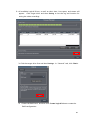
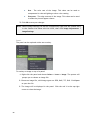
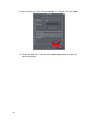
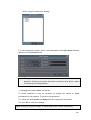
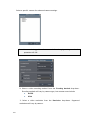
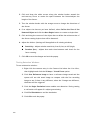
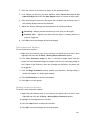
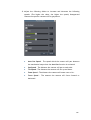
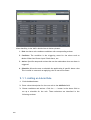
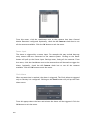
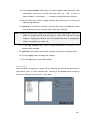
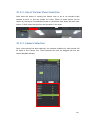
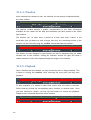
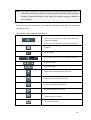
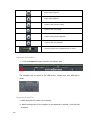
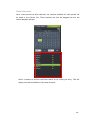
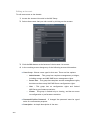
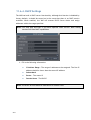
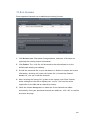
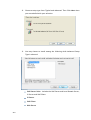
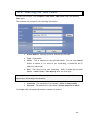
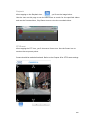
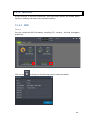
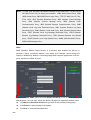
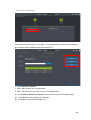
1. In the Contact Number field, enter the phone numbers that will receive SMS
notifications. Be sure to include the area code, e.g., “86”, in front of
phone numbers. Use commas, “,” to separate individual phone numbers.
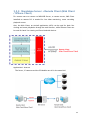
2. Use the slider bar to select a delay between the occurrence of an event and
SMS message delivery.
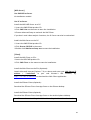
3. (Optional) If a SIM PIN is required, enter the PIN code in the PIN field. Note
that applying incorrect PIN code may disable your SIM card.
Note: To change the PIN code, remove the SIM card from your GSM modem. Use a cell
phone to change the PIN code and then re -install SIM card into the GSM
modem. Changing PIN codes is not recommended because a configuration
failure may disable your SIM card.
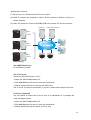
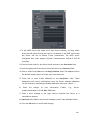
4. In the SMS Content field, type a simple description to include in the
outgoing SMS messages
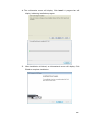
5. (Optional) Click Test to send a test message to the phone numbers listed.
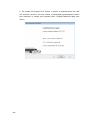
6. Click the Apply button to apply the changes.
7. Click the OK button to exit SMS settings.
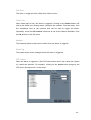
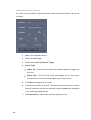
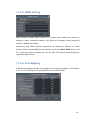
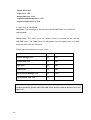
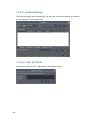
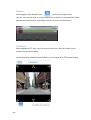
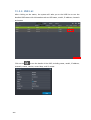
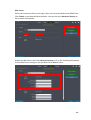
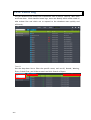
Relay Output
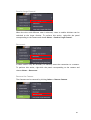
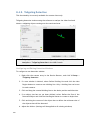
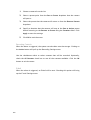
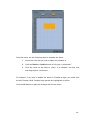
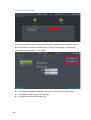
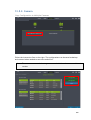
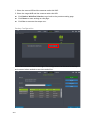
When the alarm is triggered, a signal will be relayed to an external source such as a
light switch, siren, or other external link. Clicking on the Action button brings up
the External Relay Settings menu. In this menu:
165