1
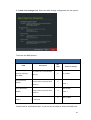
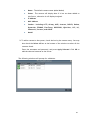
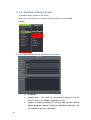
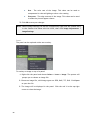
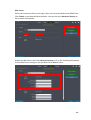
Device Name
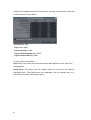
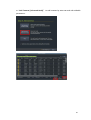
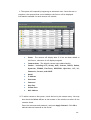
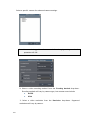
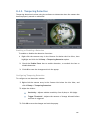
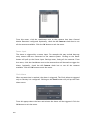
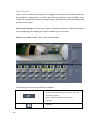
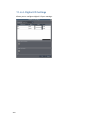
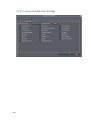
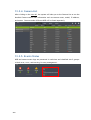
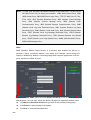
This subfield contains a list of all the cameras installed on the system. The events
can be further narrowed to focus on a single camera by choosing it, or the search
can be done over all cameras by choosing All.
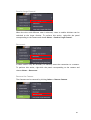
User Name
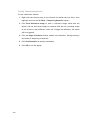
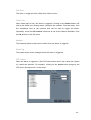
Using the User Name subfield a search can be narrowed down to an individual user.
This selection list contains all the users configured on the system. All the users can
be included by selecting All.
Performing a Search
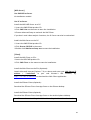
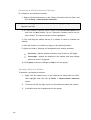
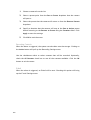
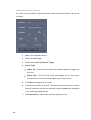
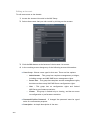
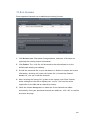
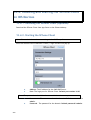
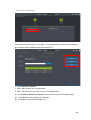
To perform a search of the log files:
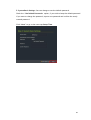
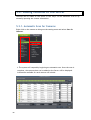
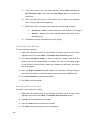
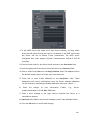
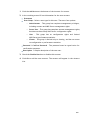
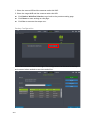
1. If desired, narrow the search by selecting an event type and subfield to
search over. More than one event type can be searched.
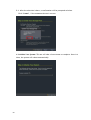
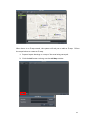
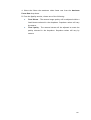
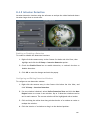
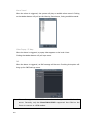
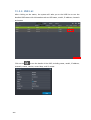
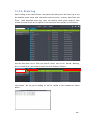
2. Choose a start date and an end date to search over using the calendar dropdowns.
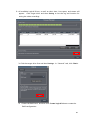
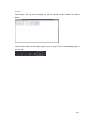
3. If desired, click Select time and select an hour and minute for the start and
end times to further narrow the search.
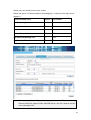
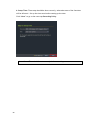
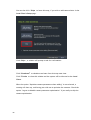
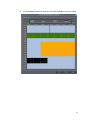
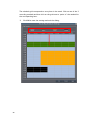
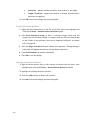
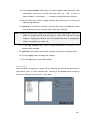
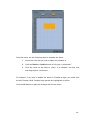
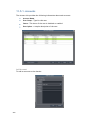
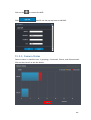
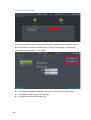
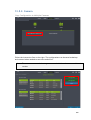
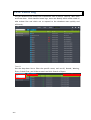
4. Click the Query button. The results will show in the main View Log Screen.
171