1
FAMILY INFORMATION
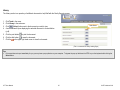
In Family Information, the user is able to perform the following tasks:
1. Enter, edit and archive Enrollment records.
2. Enter, edit and archive Member Profile records. Enter and edit Immunization,
Pregnancy, and Out-of-Home Placement Records
3. Exit and archive a Member or Family
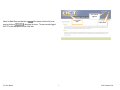
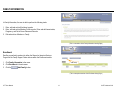
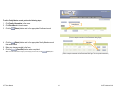
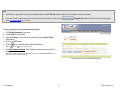
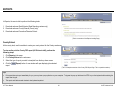
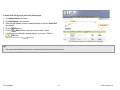
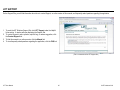
(This is a screenshot of the Family Information Landing Page.)
Enrollment
Enrolling a new family member into either the General or Intensive Services
Program of the Family Support Center is done within the Enrollment module.
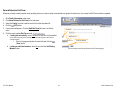
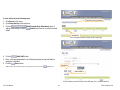
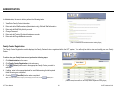
1. Click Family Information in the menu.
2. Click Enrollment in the sub-menu.
3. Click the
(Add Family) button.
Add Family
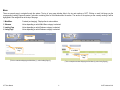
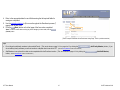
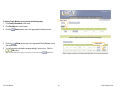
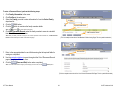
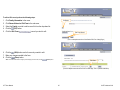
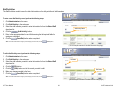
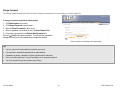
(This is a sample screenshot of the Enrollment Listing Page.)
LIFT User Manual
14
© KIT Solutions® 2010