1
2-4
Installing TUNA
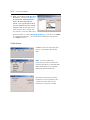
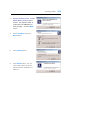
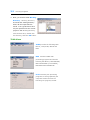
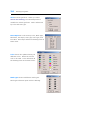
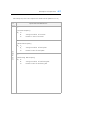
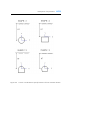
10. Choose Program Group and
click Continue.
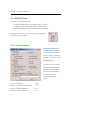
11. Click OK button to finish installation.
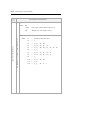
12. If you have 3.5 inch SMAP key setup disk, insert the disk and run
INSTALL.EXE. If you do not have 3.5 inch setup disk, go to
SMAP-CD-->KEY-DISK--> SMAP-0XXX directory and run INSTALL.
Where XXX represents the Serial Number which is the first three digits
in SMAP key. For Demo Version, you do not need key setup.
13. Turn off the system.
Attach SMAP key to the parallel port LPT1.
Turn on the system.
14. If you have FEMAP program, modify the file FemapDir.dat
in C:\SMAP\CT\CTDATA directory so that it contains correct path.
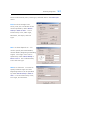
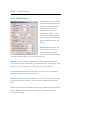
15. For Windows 2000/XP operating systems, set the maximum size of
virtual memory to 4000 MB thru Control Panel ->System->Advanced> Performance Option->Change.