1
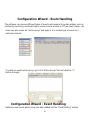
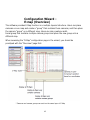
 The software has built-in motion detection function which needs to be configured
and enabled in the configuration wizard. The configuration page can be accessed in the
configuration wizard under “Intelligent” from the menu on the left. You should
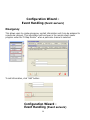
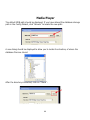
be greeted with an overview list when first access this page.
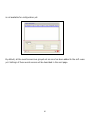
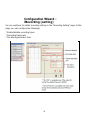
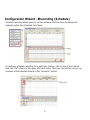
The overview provides the overall configuration status of the motion detection func- tion
on the available channels.
Only the channels that have been configured with cameras (regardless if they are
online or not) would have the “X” or O” mark.
X: Disabled
O: Enabled
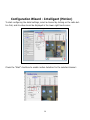
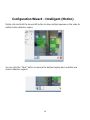
Configuration Wizard - Intelligent (Motion)
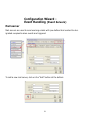
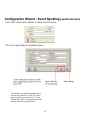
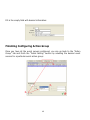
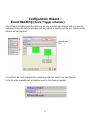
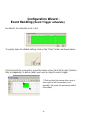
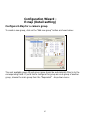
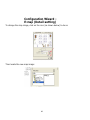
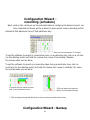
To configure the detail settings of each intelligent functions, click on the “Intelligent
Setting” tab to access the detail configurations:
24