1
Chapter 7
SPLIT MODE
Split Mode
Creating a Split allows you to divide the MP20
keyboard into an upper and lower region.
For example, you can create a split and
play Piano with the right hand and
Bass with the left hand.
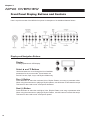
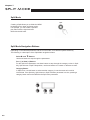
Split Mode Navigation Buttons
Split
Depending on the selected parameter and the current mode, some buttons operate differently.
The following is a description of the Split Mode navigation buttons.
28
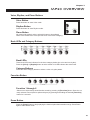
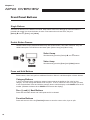
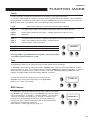
Select▲ and ▼ Buttons
Use these buttons to step through the parameters.
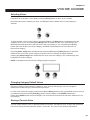
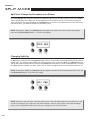
Prev (-) or Next (+) Buttons
For the Split Voice parameter, use these buttons to step through the category voices. In Split Key, Split Volume or Split Transposition, use these buttons to increase or decrease a value.
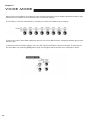
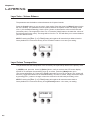
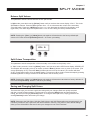
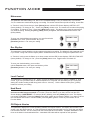
Category Button
In Split Voice, use this button to select another category; it acts the same as it would in Voice Mode. If the Split Key, Split Volume or Split Transition parameter is active, pressing a category button returns the MP20 to the Split Voice parameter.