1
Zaxcom TRX-900CL
Extended Menu
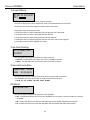
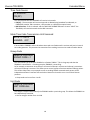
Home Screen Timecode Display
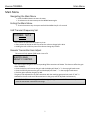
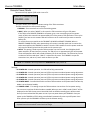
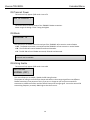
HOME TC DISPLAY:
ON
This menu will determine if the TRX900CL will display its UHF transmit frequency or timecode on the
home screen.
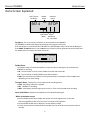
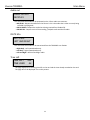
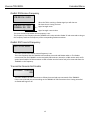
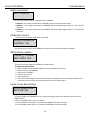
• ON - The home screen will display timecode, recorder status on the top with the ZaxNet status and
audio meters on the bottom. When recording the ZaxNet status will also flash the time remaining on
the card.
01:02:03:01 STOP
RX
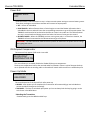
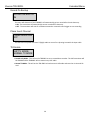
• OFF - The home screen will display the UHF transmit frequency, ZaxNet Status and recorder status on
the top with the audio meters on the bottom. When recording the ZaxNet status will also flash the time
remaining on the card.
567.4
RX
STOP
Pressing the DEC key while recording will display the current signet being recorded.
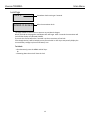
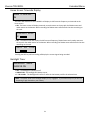
Backlight Timer
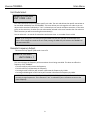
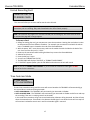
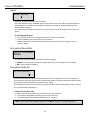
BACKLIGHT TIMER
ALWAYS ON
• OFF - The backlight will always be off.
• ALWAYS ON - The backlight will always stay on.
• 1 - 29 seconds - The backlight will remain on after the last button push for the selected time.
NOTE: The power draw of the backlight display is very negligible - if you select always on you will not
be putting a high demand on your battery.
21