1
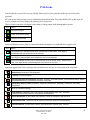
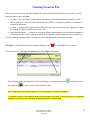
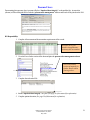
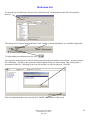
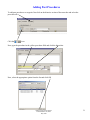
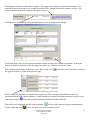
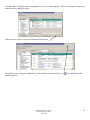
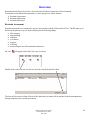
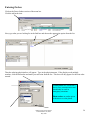
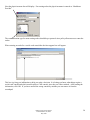
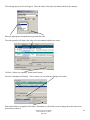
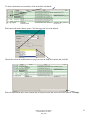
Notice that the values are added together in the row titled shift totals. There is also a graph that will display at
the bottom of the screen to show the intake and output balance for the patient.
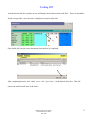
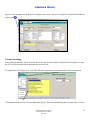
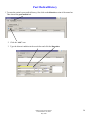
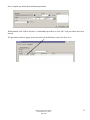
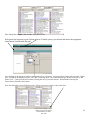
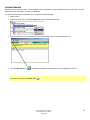
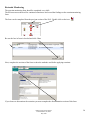
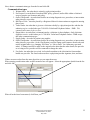
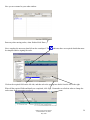
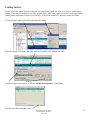
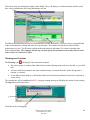
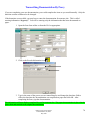
If the patient has other sources of intake or output that are not listed in the I/O section, those columns can be
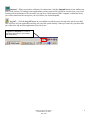
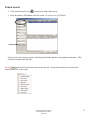
added by clicking the display hidden category icon
.
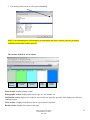
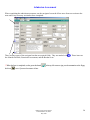
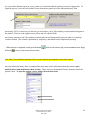
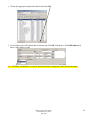
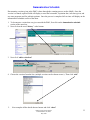
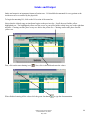
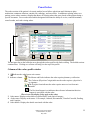
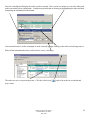
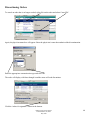
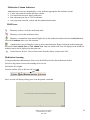
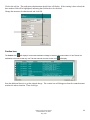
Double click on the folder to display the items. Next, select the appropriate options and click OK.
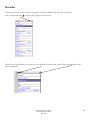
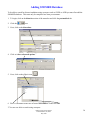
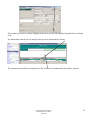
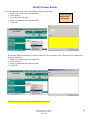
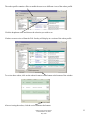
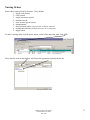
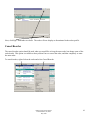
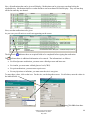
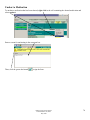
These columns will now display on the I/O section.
DRH Clinical Transformation
Pamela Haddox, RN, BSN
May 2009
47