1
L-Gate User Manual
166
LOYTEC
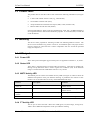
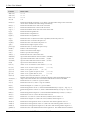
Device Main Menu
================
[1]
[2]
[3]
[4]
[5]
[6]
[7]
[8]
[9]
Show device information
Serial firmware upgrade
System configuration
CEA-709 configuration
IP configuration
CEA-852 device configuration
BACnet configuration
Reset configuration (factory defaults)
Device statistics
[a]
Data Points
[0]
Reset device
Please choose:
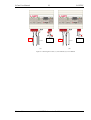
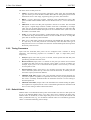
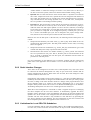
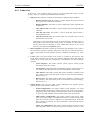
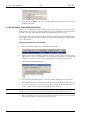
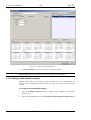
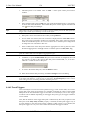
Figure 121: Console Main Menu.
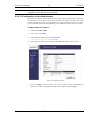
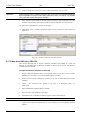
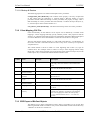
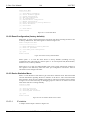
10.2.2 Reset Configuration (factory defaults)
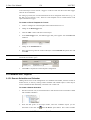
Select item ‘8’ in the console main menu. This menu item allows resetting the device into
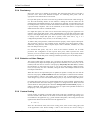
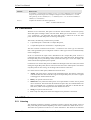
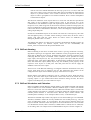
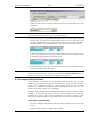
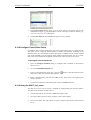
its factory default state. The menu appears as shown in Figure 122.
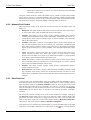
Reset Configuration Menu
========================
[1]
[3]
[4]
Reset everything to factory defaults
Reset all passwords
Clear data point configuration
[q]
Quit
Please choose:
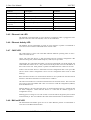
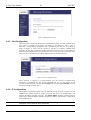
Figure 122: Reset to Factory Defaults Menu.
Select option ‘1’ to reset the entire device to factory defaults (including error log,
configuration files, passwords etc.). Select option ‘3’ to reset all passwords (Web interface,
FTP server etc.) to factory defaults.
Select option ‘4’ to clear all configured data points, such as CEA-709 network variables or
user registers. This effectively clears the entire port configuration. The device must be
rebooted to let the changes take effect.
10.2.3 Device Statistics Menu
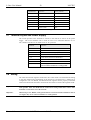
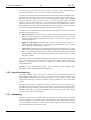
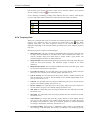
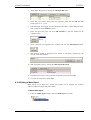
Select ‘9’ from the device main menu to get to the device statistics menu. This menu holds
relevant information regarding the device statistics of the device. This section describes
those statistics, which are not available on the Web UI. The device statistics menu is shown
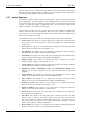
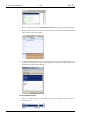
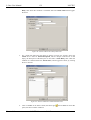
in Figure 123. Use this menu only for debugging purposes. There is no need to access this
menu if the network is running smoothly.
Statistics Menu
===============
[4]
[8]
[9]
Show IP statistics
Show DPAL statistics
Show Reg DPAL statistics
[q]
Quit
Please choose:
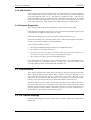
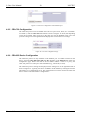
Figure 123: Device Statistics Menu on the Console.
10.2.3.1
IP statistics
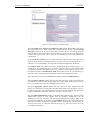
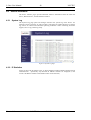
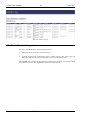
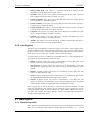
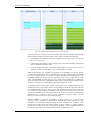
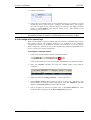
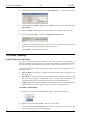
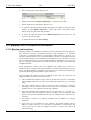
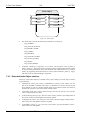
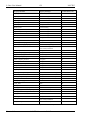
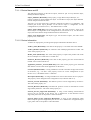
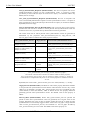
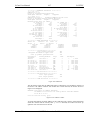
A sample console output is shown in Figure 124.
Version 3.3
LOYTEC electronics GmbH