1
UTM project
– 69 / 98 –
06/06/10
_________________________________________________________________________
5.8
Intranet Integration
5.8.1
Description
UTM is completely integrated with a company's intranet.
Employees from the Intranet are allowed to:
•
Login
•
Control their devices
•
Schedule their devices
•
Set devices level
•
Use IP Phone services
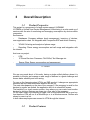
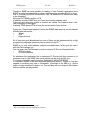
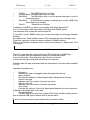
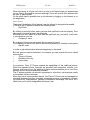
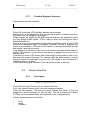
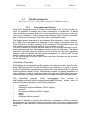
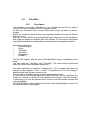
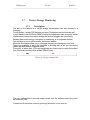
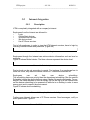
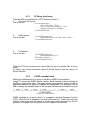
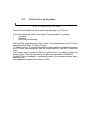
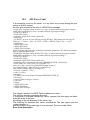
First of all employees, in order to view the UTM intranet services, have to login by
inserting internal number and password. (Figure 48)
Picture 47: Intranet Login
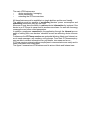
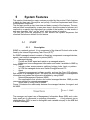
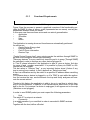
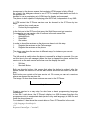
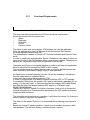
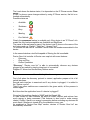
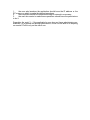
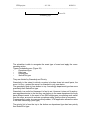
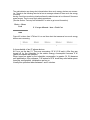
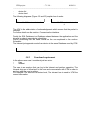
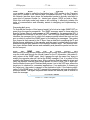
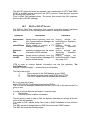
Employees through the Intranet can retrieve device information such as level or
numbers.
Figure 49 shows Michel device. The blue columns represent the device level.
Picture 48: Device's informations
Device level can be set according to needs. For instance if an employee has to
leave the office, why leave the device turned on? It should be switched off.
Employees
can
set
their
own
device
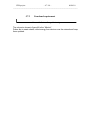
scheduling.
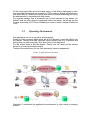
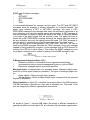
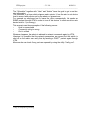
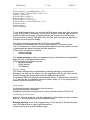
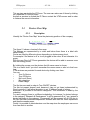
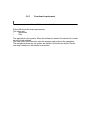
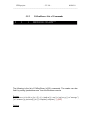
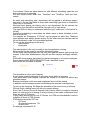
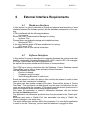
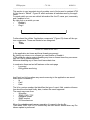
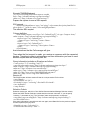
This scheduling has more priority than the department scheduling (See the section:
Scheduler) where the device belongs since it better fits employees needs. For example if the owner decides to have a holiday, first he will log on to the intranet then
set the device scheduling to be powered off while he is on holiday, in order to save
energy cost and to respect the environment.
Figure 50 shows device scheduling
Picture 49: Example of device scheduling
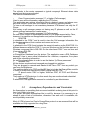
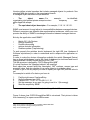
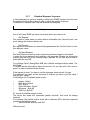
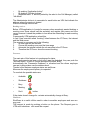
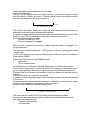
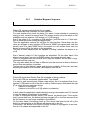
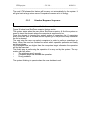
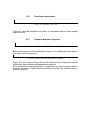
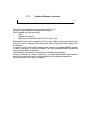
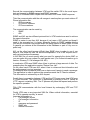
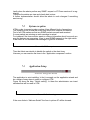
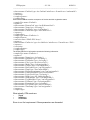
Further more Intranet allows use of IP Phone services. Send messages, notify or
make phone calls. Figure 51
Picture 50: IP Phone services from intranet