1
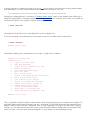
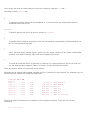
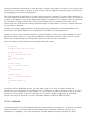
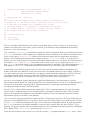
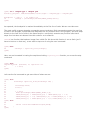
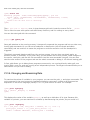
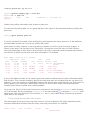
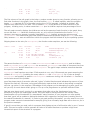
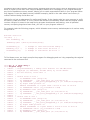
arcane, part of the Linux loader implementation that you can happily ignore.
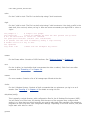
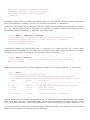
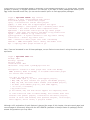
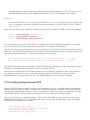
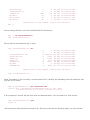
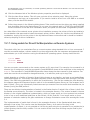
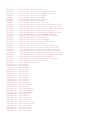
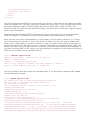
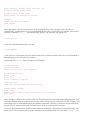
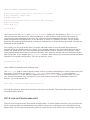
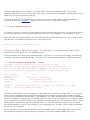
If ldd outputs not found for a certain library, you are in trouble and won't be able to run the program in
question. You will have to search for a copy of that library. Perhaps it is a library shipped with your
distribution that you opted not to install, or it is already on your hard disk but the loader (the part of
the system that loads every executable program) cannot find it.
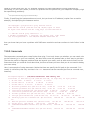
In the latter situation, try locating the libraries yourself and find out whether they're in a nonstandard
directory. By default, the loader looks only in /lib and /usr/lib. If you have libraries in another directory,
create an environment variable LD_LIBRARY_PATH and add the directories separated by colons. If you
believe that everything is set up correctly, and the library in question still cannot be found, run the
command ldconfig as root, which refreshes the linker system cache.
21.1.8. Using C++
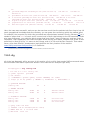
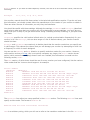
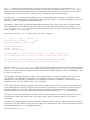
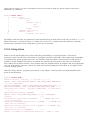
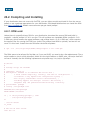
If you prefer object-oriented programming, gcc provides complete support for C++ as well as ObjectiveC. There are only a few considerations you need to be aware of when doing C++ programming with gcc.
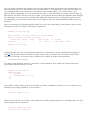
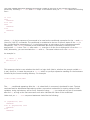
First, C++ source filenames should end in the extension .cpp (most often used), .C, or .cc. This
distinguishes them from regular C source filenames, which end in .c. It is actually possible to tell gcc to
compile even files ending in .c as C++ files, by using the command-line parameter -x c++, but that is
not recommended, as it is likely to confuse you.
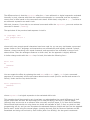
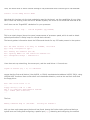
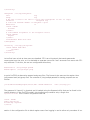
Second, you should use the g++ shell script in lieu of gcc when compiling C++ code. g++ is simply a
shell script that invokes gcc with a number of additional arguments, specifying a link against the C++
standard libraries, for example. g++ takes the same arguments and options as gcc.
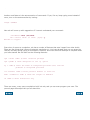
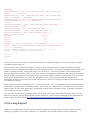
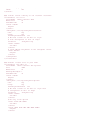
If you do not use g++, you'll need to be sure to link against the C++ libraries in order to use any of the
basic C++ classes, such as the cout and cin I/O objects. Also be sure you have actually installed the
C++ libraries and include files. Some distributions contain only the standard C libraries. gcc will be able
to compile your C++ programs fine, but without the C++ libraries, you'll end up with linker errors
whenever you attempt to use standard objects.