1
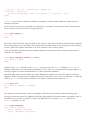
http://www.tldp.org/HOWTO/html_single/Font-HOWTO/
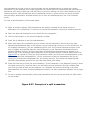
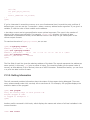
To access a file via anonymous FTP, we can use a URL, such as:
ftp://ftp.ibiblio.org/pub/linux/docs/FAQ
This URL retrieves the Linux FAQ. Using this URL with your browser is identical to using ftp to fetch the
file by hand.
The best way to understand the Web is to explore it. In the following section we'll explain how to get
started with some of the available browsers. Later in the chapter, we'll cover how to configure your own
machine as a web server for providing documents to the rest of the Web.
Of course, in order to access the Web, you'll need a machine with direct Internet access (via either
Ethernet or PPP). In the following sections, we assume that you have already configured TCP/IP on your
system and that you can successfully use clients, such as ssh and ftp.
5.1.1. Using Konqueror
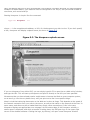
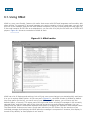
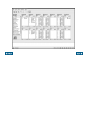
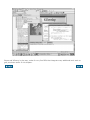
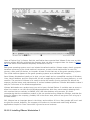
Konqueror is one of the most popular browsers for Linux. It features JavaScript and Java support, can
run Firefox plug-ins (which allow you to add functions such as viewing Flash presentations), and is well
integrated into the KDE desktop described in "The K Desktop Environment" in Chapter 3. Actually, when
you install KDE, Konqueror will be installed as an integral part of the system. In the section on KDE, we
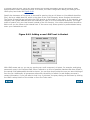
have already described how to use Konqueror to read local information files. Now we are going to use it
to browse the Web.
Most things in Konqueror are quite obvious, but if you want to read more about it, you can use
Konqueror to check out http://www.konqueror.org.