1
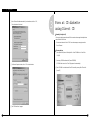
Ⅸ . Appendix
1
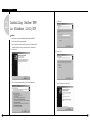
Installing Center PPP
in Window s 9 8
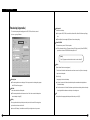
PSTN/ISDN PPP Setup (When No Rounter is Used)
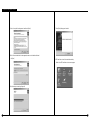
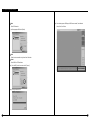
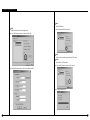
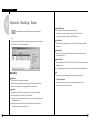
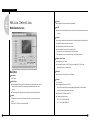
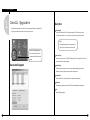
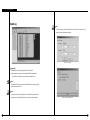
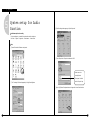
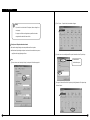
④ Setting made by KKKSetup.exe program
� Installation of telephone connection networking
� Installation of telephone connection server
� Installation of the caller
� Installation of the telephone connection adapter
� Installation of TCP/IP protocal
� Change of settings of the telephone connection server
⑤ Other
� If TCP/IP or telephone connection adapter has been installed, the corresponding item does
not needed to be installed again.
� Close windows such as “Network Environment Properties”, “Telephone Connection Server”,
and “Setup” before executing KPPPSetup.exe program .
� Do not execute KPPPSetup.exe program more than once.
(To exit the program, wait till System Rebooting message box appears.)
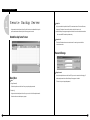
� In SPR Smart View S/W, select “LAN” In “Commutation Setup” field, and in SPR Smart Viewer
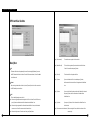
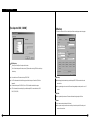
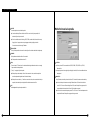
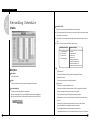
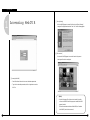
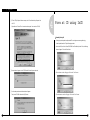
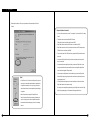
① PPP Setup through KPPPSetup.exe Program
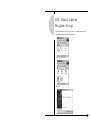
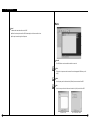
� To set the PSTN, install the modem first in Windows environment and execute KPPPSetup.exe
under SPR Smart View and SPR Smart Viewer Program folders. Then, PPP setup for
PSTN/ISDN will be automactically made.
② Preparation before Installaiton
S/W, select “PSTN/ISDN (No Router)”.
� KPPPSetup.exe must be installed both in SPR Smart Viewer and SPR Smart View S/W
applications.
� Access the SPR Smart View from the SPR Smart Vewer and check if the communication
status is normal.
� The original copy of Windows98 Edition CD must be in the CD-ROM or files of Windows98
Second Edition must be copied before executing KPPPSetup.exe program.
� If the user tries to execute KPPPSetup.exe program in the system while the modem has not
been installed, the settings may not function properly.
� If the modem has not been installed, it is recommanded to install the modem and the modem
driver file before executing KPPPSetup.exe
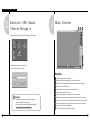
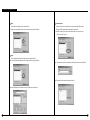
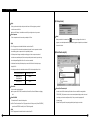
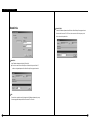
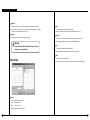
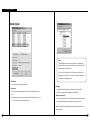
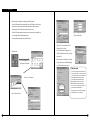
③ PSTN and ISDN Setup in Windows98
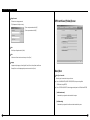
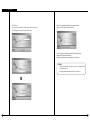
� Install the mode for the PSTN or ISDN terminal adapter (TA) for the ISDN.
� Execute KPPPSetup.exe program.
� After PPP setup is completed by the program, reboot the system.
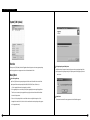
☞ [Notice]
• If Windows98 SE has been installed in the system from the CD-ROM, the
system may request the user to insert the original copy for the CD to the
CD-ROM. At this time, define the path of the original copy of Windows98 SE CD
(the copy folder of Windows98 SE in the hard disk or CD-ROM drive.)
• By executing KPPPSetup.exe program, the user can automatically set up the
ISDN in the same way of setting the PSTN although the router is not used and
direct connections is made.
• KPPPSetup.exe program must be installed in both the SPR Smart Viewer and
the SPR Smart View S/w applications.
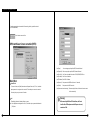
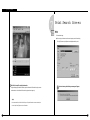
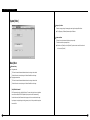
� After the system is rebooted, check if the system is normally connected by the SPR Smart
Viewer program and the SPR Smart View program.
122
123