1
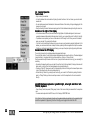
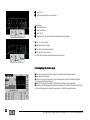
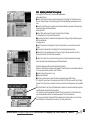
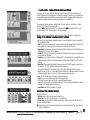
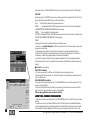
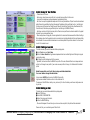
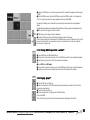
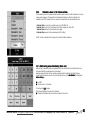
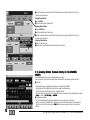
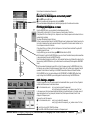
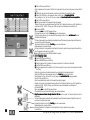
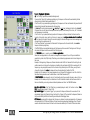
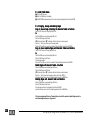
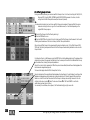
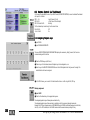
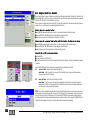
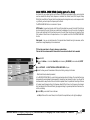
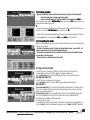
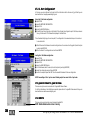
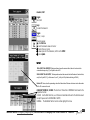
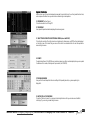
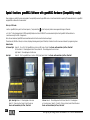
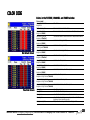
Placing a BITMAP EFFECT on a fader / button:
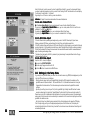
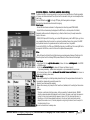
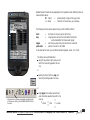
press ASSIGN once
- press on an Executor button not yet assigned
or
- press on an Executor fader (small Executor window EMPTY)
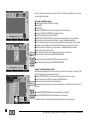
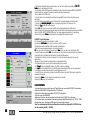
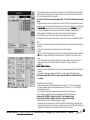
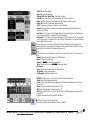
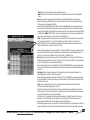
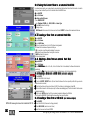
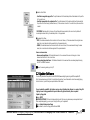
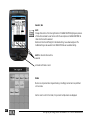
in the ASSIGN menu, press the BITMAP EFFECT button
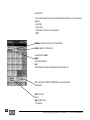
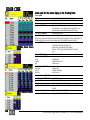
in the overview, select the desired effect using the Encoder, and leave the menu by pressing „X“
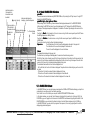
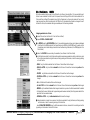
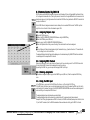
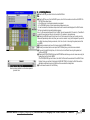
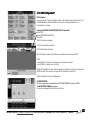
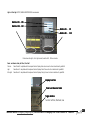
7.3 Starting the Effect
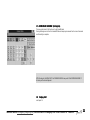
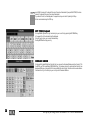
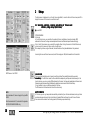
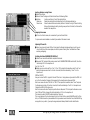
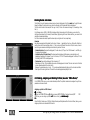
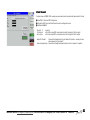
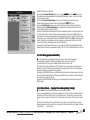
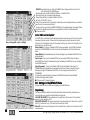
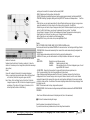
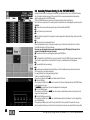
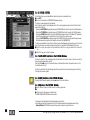
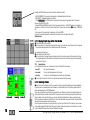
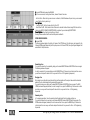
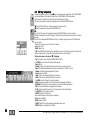
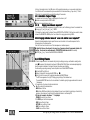
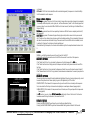
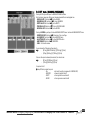
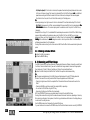
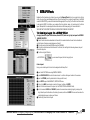
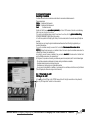
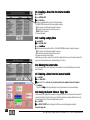
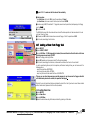
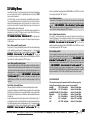
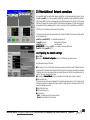
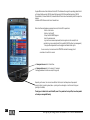
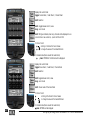
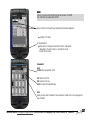
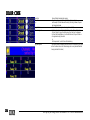
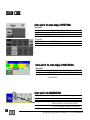
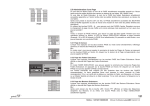
open the BITMAP EFFECTS WINDOW
press the button in the BITMAP EFFECTS pool
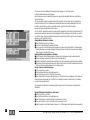
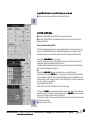
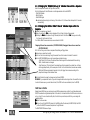
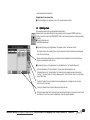
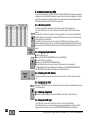
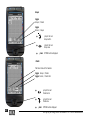
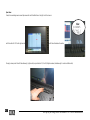
Or, if the effect had been placed on a fader or a button:
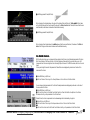
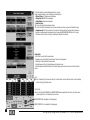
start the effect using the fader or button
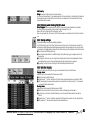
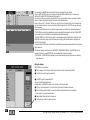
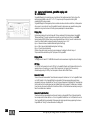
As is the case with the effects, you can modify the speed while the effect is running
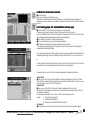
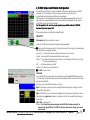
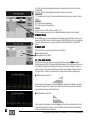
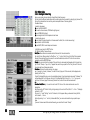
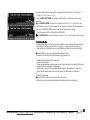
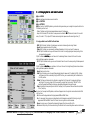
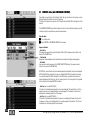
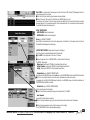
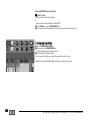
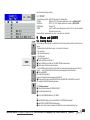
WARNING! If you open the BITMAP WIZARD in the EDIT menu, the effect will stay active!
140
MA Lighting Technology GmbH . Dachdeckerstr. 16 . D-97297 Waldbüttelbrunn