1
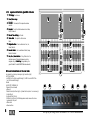
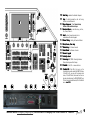
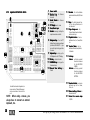
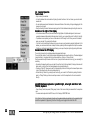
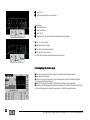
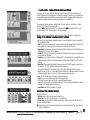
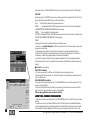
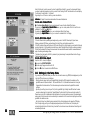
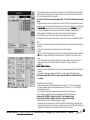
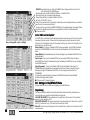
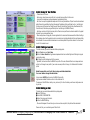
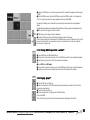
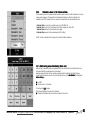
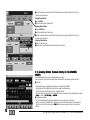
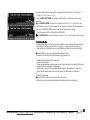
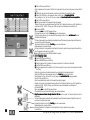
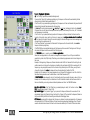
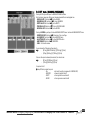
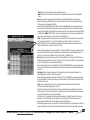
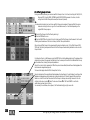
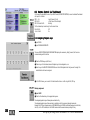
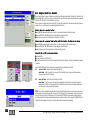
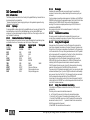
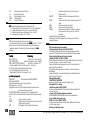
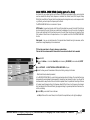
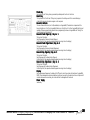
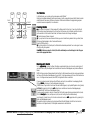
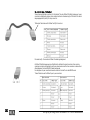
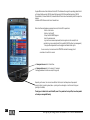
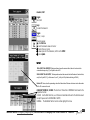
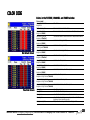
Besides the label, the buttons have, depending on their operational task, different symbols, to
make orientation easier:
(black)
=
pressing shortly or long will bring up a menu
(black)
=
reference to the next menu, you could open
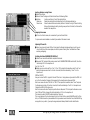
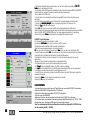
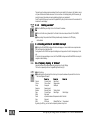
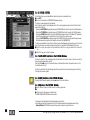
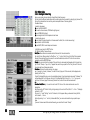
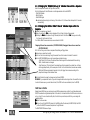
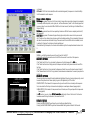
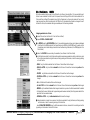
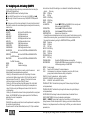
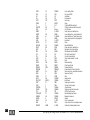
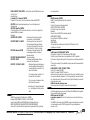
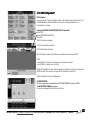
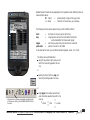
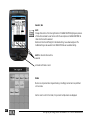
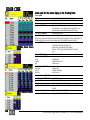
The following terms are used to explain the keys to refer to different effects:
short:
long:
=
=
toggle:
press center:
=
=
short press on the key, to get to the function
long press (time can be set in the PocketPC) the function
will be started after this time (acoustic signal)
each time you press the key, the next function is selected
press on the cursor in the middle
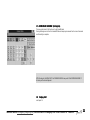
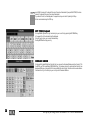
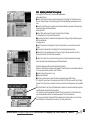
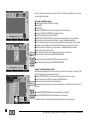
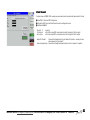
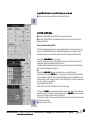
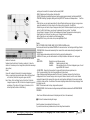
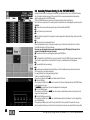
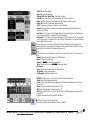
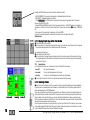
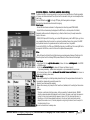
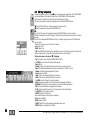
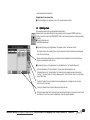
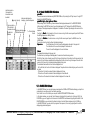
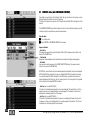
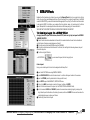
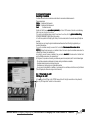
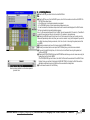
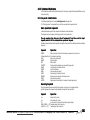
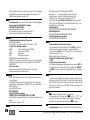
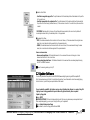
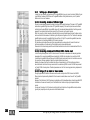
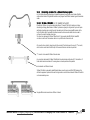
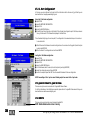
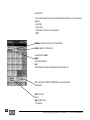
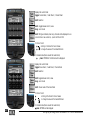
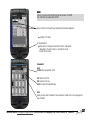
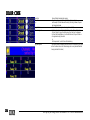
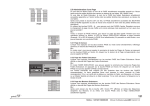
To set values by the Cursor, you can define three setting speeds: coarse - fine - finest
The setting can be performed either
O using this key, and with each press you will
switch from one setting speed to the next
one,
or
O
pressing the Cursor Scroll key long and
selecting the setting speed in the menu
or
using toggle in the taskbar, and with each
press the setting speed will be switch to the
next one.
O
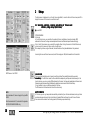
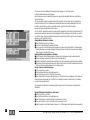
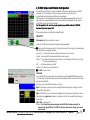
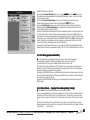
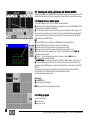
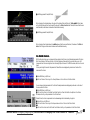
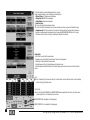
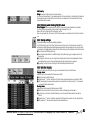
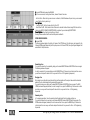
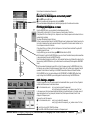
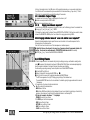
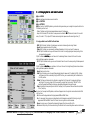
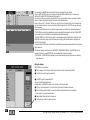
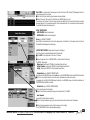
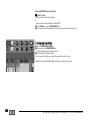
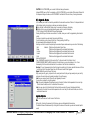
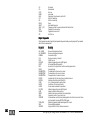
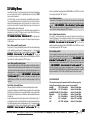
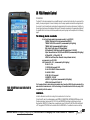
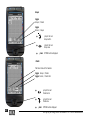
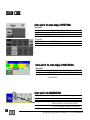
Using more than one remotes can cause bad screen display (parts
of the menue are missing). Press REFRESH SCREEN to actuate
the screen..
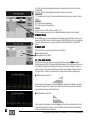
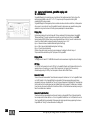
^= finest ^ = fine
^
^ = coarse
^
^
Technischer Service: [email protected]; +49.5251.688865-30 Emergency Line: +49.5251.688865-99
Version 6.0
209