1
H.264 Network DVR
(2) Log information
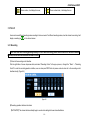
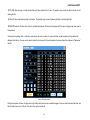
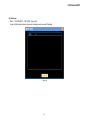
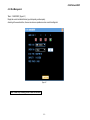
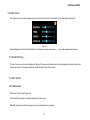
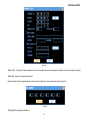
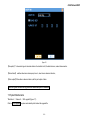
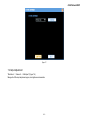
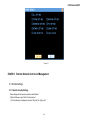
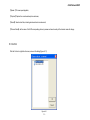
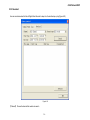
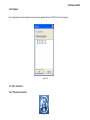
“Menu”→“SYSTEM INFO”→“LOG INFORMATION”. (Figure 4-4)
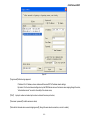
Display log information of the system. The users can search the download information easily.
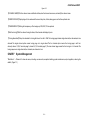
【LOG TYPE】Can choose 【all】, 【system】, 【set】, 【data management】, 【warning】, 【videos operation】, 【users management】.
【START TIME】Set the start point of log inquiry.
【END TIME】 set the end point of log inquiry.
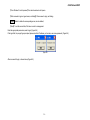
After the settings of log period and type, press the "search" button, the users can see the log information in the list which meet the conditions,
using the button "<<" and "> >”, the users can also turn the page.
Figure 4-4
- 29 -