1
H.264 Network DVR
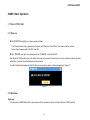
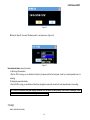
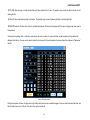
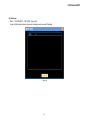
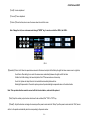
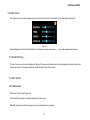
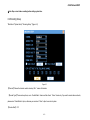
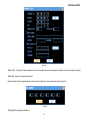
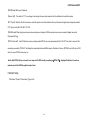
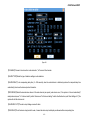
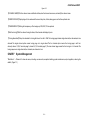
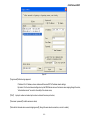
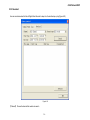
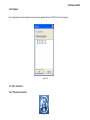
Figure 6-4
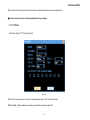
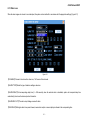
It's including the schedule setup of normal video record,motion detect record and alarm record.
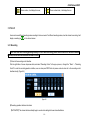
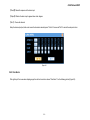
【Disk Full】How to deal with when the video recording hard disk is full . “Over write” mens system will cover the earliest video recording document
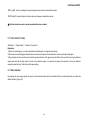
and continue to record, “stop video recording” means system will stop the current video recording.
【Duration】The automatic production video recording document time-gap, the scope is 5-120 minutes.
【Channel】/【Schedule】 Drop-down menu. Choose the corresponding channel number/week to carry on the establishment, Click “ALL” to choose
all channels.
【Alarm Pre-record】Record the video before alarm happened,it's around 5 seconds time.
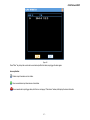
【Time section】Express the record type of current channel,there are four time section options. It can be the same record type in different time
sections.The time scope is 00:00-24:00. After each channel parameter establishment finished, please press "Save" key .
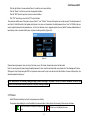
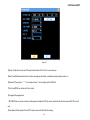
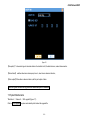
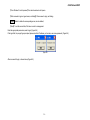
【Normal】
【Motion】
【Alarm】Setup the record type,it can be single selected or multi-selected.
- 42 -