1
H.264 Network DVR
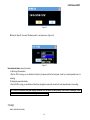
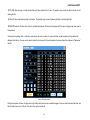
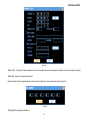
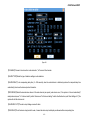
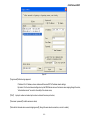
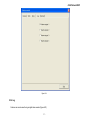
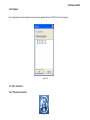
Figure 6-13
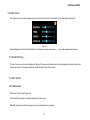
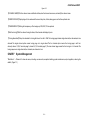
【CHANNEL NAME】Click the channel name modification button,enter the channel name menu,and modify the channel name.
【WINDOW COLOR】Display stype for the widow and the menu: baby blue, fuchsin,heavy green are the three optional color.
【TRANSPARENCY】Setting for transparency of the backgroup: 25%,50%,75% are optional.
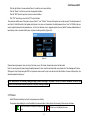
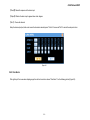
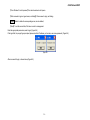
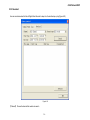
【Start the turning】Start the channel turning function,all the channels will display by turns.
【Turning alternation】Set up the schedule for turning,the time is from 5s to 120s.The turning page includes single channel,four channels,and nine
channels.The single channel option means turning page is in single chanel.The four channel option means the turning page is with four
channel( channel 1,2,3,4 formulate page 1,channe 5,6,7,8 formulate page 2).The nine channel page means the the turning is in 8 channels.The
turning sequence is single channel,four channels,nine channels in turn.
CHARP.7
System Management
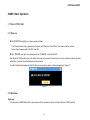
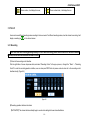
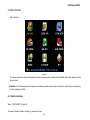
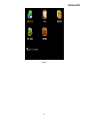
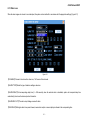
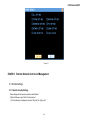
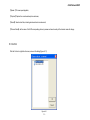
"Main Menu" → "Advance" to show sub-menu, including: user accounts, exception handling, system maintenance, output regulation, restoring the
default. (Figure 7-1)
- 54 -