1
7.
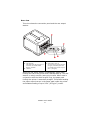
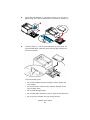
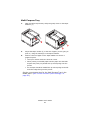
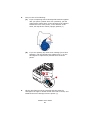
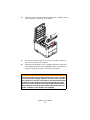
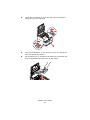
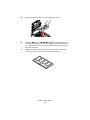
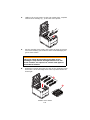
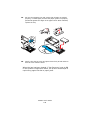
Lower the new belt unit into place, with the lifting bar at the front
and the drive gear towards the rear of the printer. Locate the
drive gear into the gear inside the printer by the rear left corner
of the unit, and lower the belt unit flat inside the printer. Turn the
two fasteners (1) 90° to the right until they lock. This will secure
the belt unit in place.
belt_roll in _ F5_09.jpg
1
1
1
ock_F5_09_1.jpg
8.
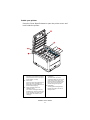
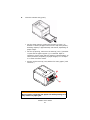
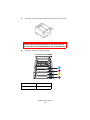
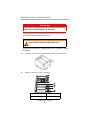
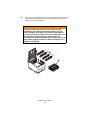
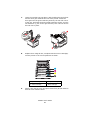
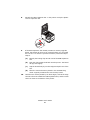
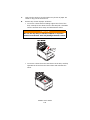
Replace the 4 image drums, complete with their toner cartridges,
into the printer in the correct positions as shown.
ID Positions_Fig1_04.jpg
1
2
3
4
9.
1. Cyan cartridge
2. Magenta cartridge
3. Yellow cartridge
4. Black cartridge
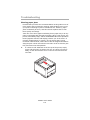
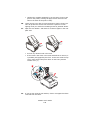
Finally, close the top cover and press down firmly at both sides so
that the cover latches closed.
C3600n User’s Guide
92