1
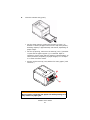
11.
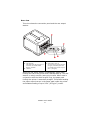
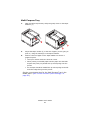
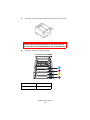
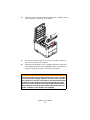
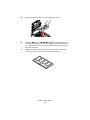
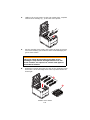
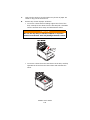
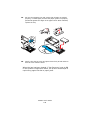
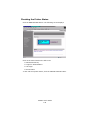
Pressing gently down on the cartridge to ensure that it is firmly
seated, push the colored lever (1) towards the rear of the printer.
This will lock the cartridge into place and release toner into the
image drum unit.
toner in positon_lock_Fig1_15.jpg
1
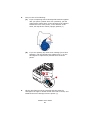
12.
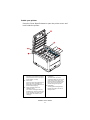
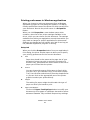
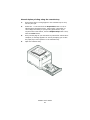
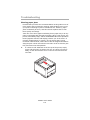
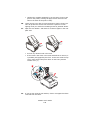
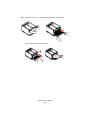
Finally, close the top cover and press down firmly so that the
cover latches closed.
cover close_F5_22.jpg
C3600n User’s Guide
85