1
Software installation
Caution: FNet TurboHDD USB installation must log in from administrator if your OS is Windows
2003/2000/XP.
Steps
1. Put the plug of USB drive to your
computer.
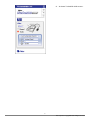
2. The interface will come out the
autorun window, select the option
of FNet TurboHDD USB.
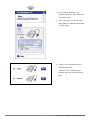
3. If your operating system is
Windows Vista, there is a blink
window on the toolbar. Please
click it. (If your OS is not Windows
Vista, please move on the step 5.)
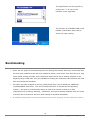
4. When the window as left side is
displayed, please click "Allow" to
install.
3
FNet Corporation Copyright © 2008. All Rights Reserved