1
Establishing a session with Netviewer
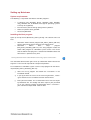
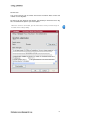
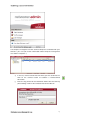
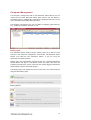
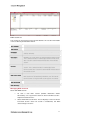
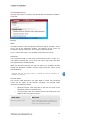
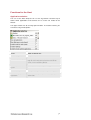
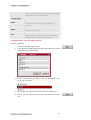
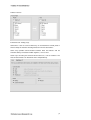
The computer management shows all Host computers associated with your
contract / your user (for further information about computer management
see section “Computer ”).
4.
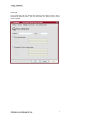
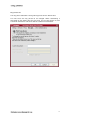
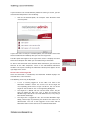
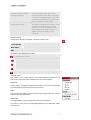
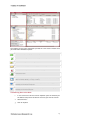
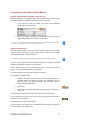
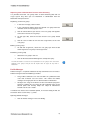
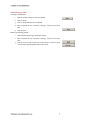
In the list, mark an active Host PC which you wish to connect to.
Click on the Connect button to establish a remote-control
connection.
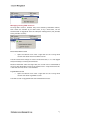
5.
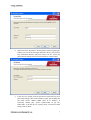
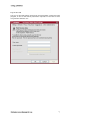
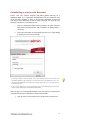
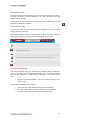
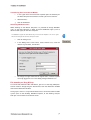
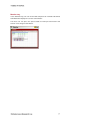
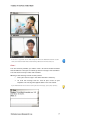
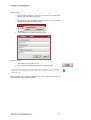
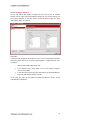
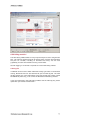
Enter the key phrase for this Netviewer Admin Host into the Key
phrase dialog. Confirm with OK to connect to the Host PC.
NETVIEWER ADMIN BUSINESS E DITION
17