1
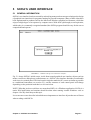
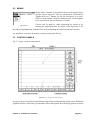
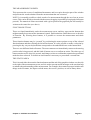
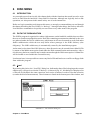
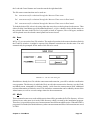
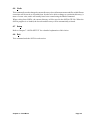
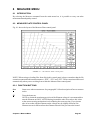
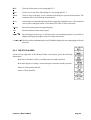
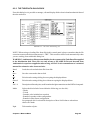
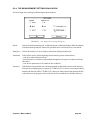
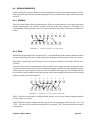
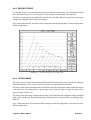
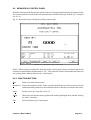
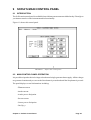
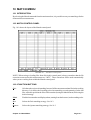
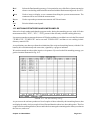
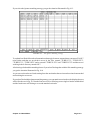
5.2 MENUS Menus allow a number of operational choices to be gathered into specific subject categories. They are structured in a hierarchical upside-down tree manner (as are the directories of a disk). SOFIAs main window, which is a menu in itself, is at the highest level (equivalent to the root directory of a disk). FIGURE 5.2 Choices may be made by either positioning the mouse or by entering the underlined letter by means of the keyboard, or by moving the highlighted bar with the arrow keys and making the selection with the Enter key. It is possible to exit from all menus by simply pressing the Esc key. 5.3 CONTROL PANELS Fig. 5.3 shows a typical control panel. FIGURE 5.3 A typical control panel In general, the screen will be divided into three physically and functionally distinct areas. Within the graphical window, whose title gives the name of the control panel, the following regions are present: Chapter 5 SOFIAs User Interface Page 5-2