1
7.2 Device View
7.2.6
Other Features
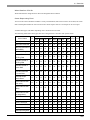
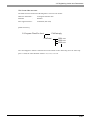
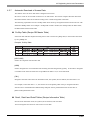
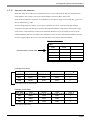
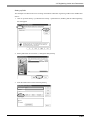
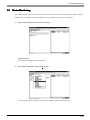
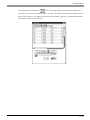
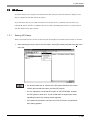
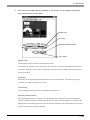
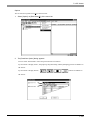
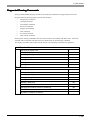
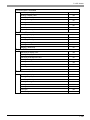
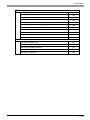
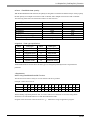
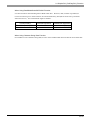
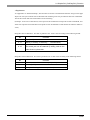
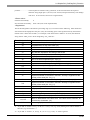
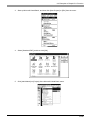
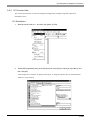
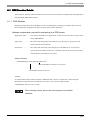
This section describes the File menu and options of Device View.
1.
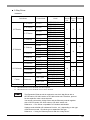
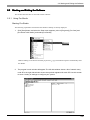
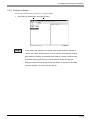
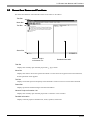
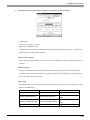
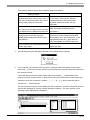
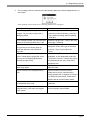
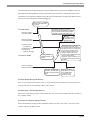
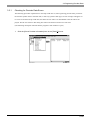
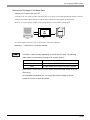
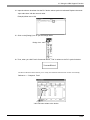
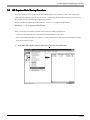
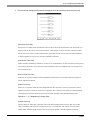
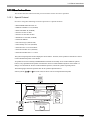
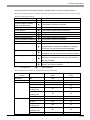
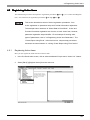
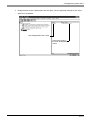
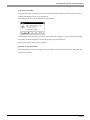
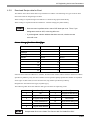
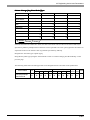
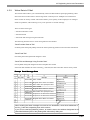
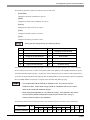
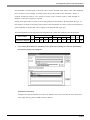
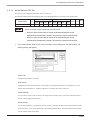
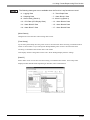
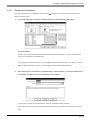
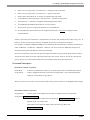
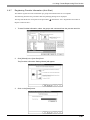
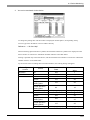
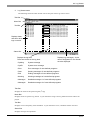
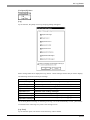
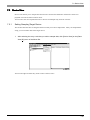
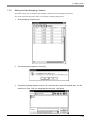
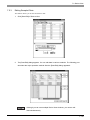
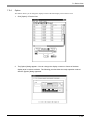
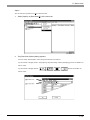
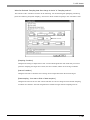
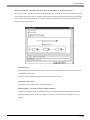
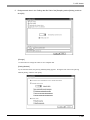
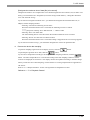
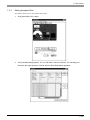
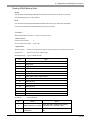
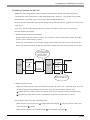
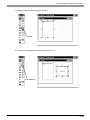
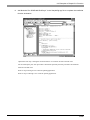
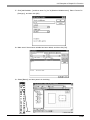
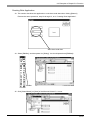
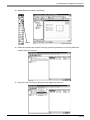
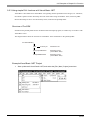
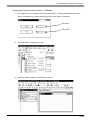
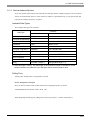
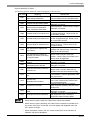
If you click [File (F)] of Device View, 9 options are available. The following describes the
overview of each option.
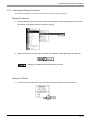
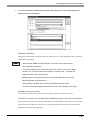
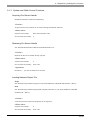
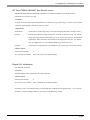
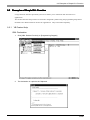
Exporting Data
1.
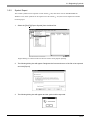
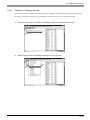
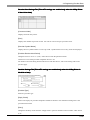
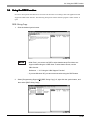
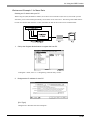
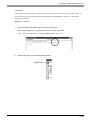
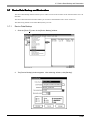
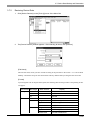
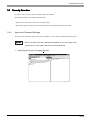
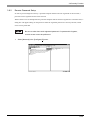
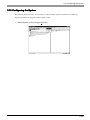
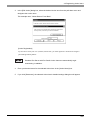
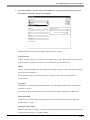
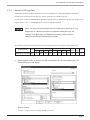
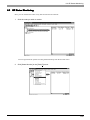
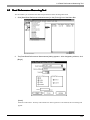
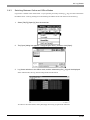
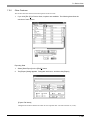
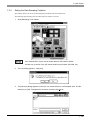
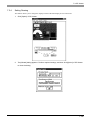
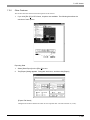
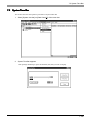
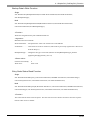
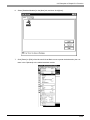
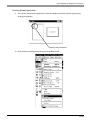
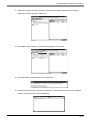
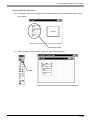
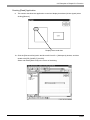
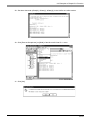
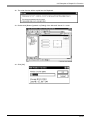
Select [Data Export] on the [File(F)] menu.
2.
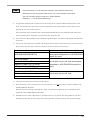
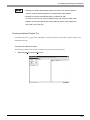
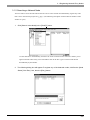
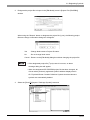
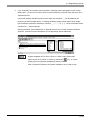
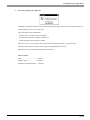
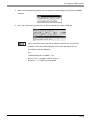
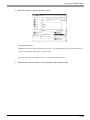
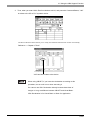
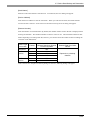
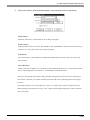
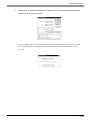
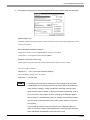
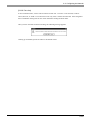
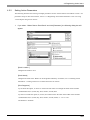
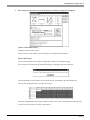
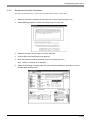
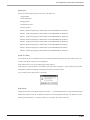
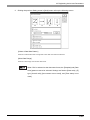
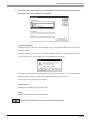
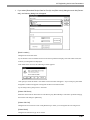
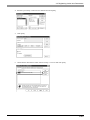
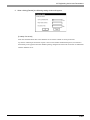
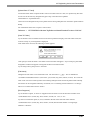
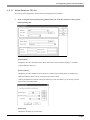
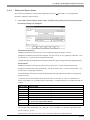
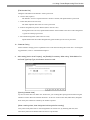
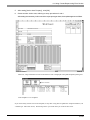
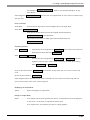
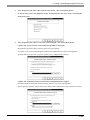
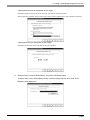
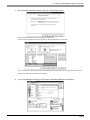
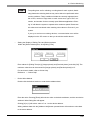
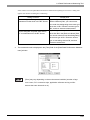
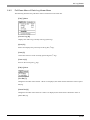
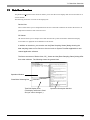
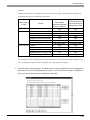
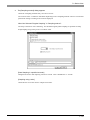
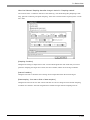
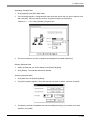
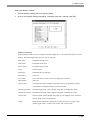
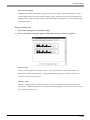
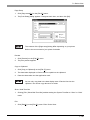
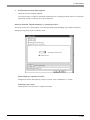
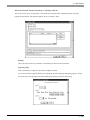
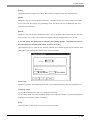
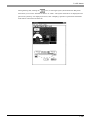
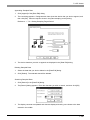
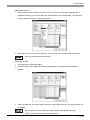
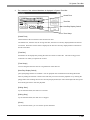
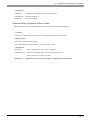
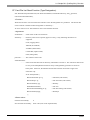
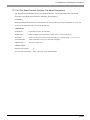
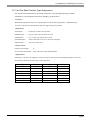
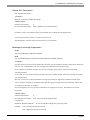
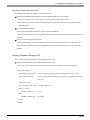
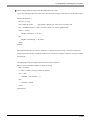
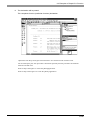
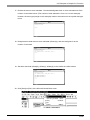
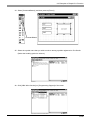
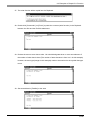
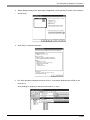
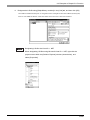
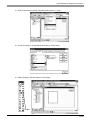
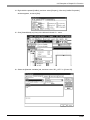
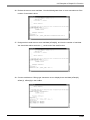
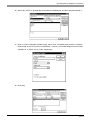
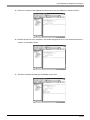
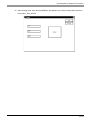
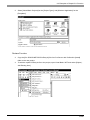
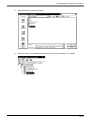
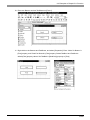
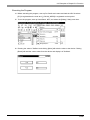
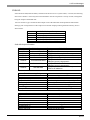
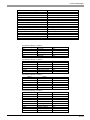
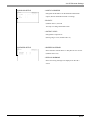
The [Export] dialog appears. Designate each item, and then click [Export].
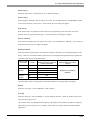
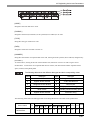
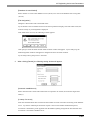
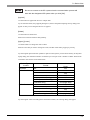
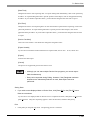
[Export File Name]
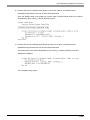
Designate the location and the file name to save exported data. The file extension is (.CSV).
7-28