1
18114046ac.book Page 15 Monday, June 23, 2003 6:10 PM
5
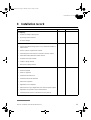
Installation of ÄKTAFPLC
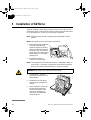
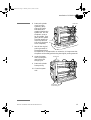
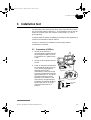
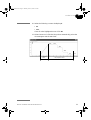
18 Take the lower tray stored on top
of the system. Open the system
rack using the gate handle and fit
the lower tray in its recess.
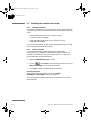
19 Remove all red tape holding the
cables.
- Black cables are mains cables.
- Grey cables are UniNet-1
communication cables.
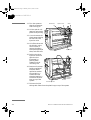
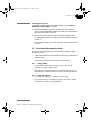
20 Connect the mains
cable from the
system mains outlet
to the fraction
collector mains inlet.
Optical
Unit
Conductivity
Flow Cell
Analogue
out 0-1 V
UniNet 1
pH-GroundpH-Probe
Mains
Lamp
Voltage
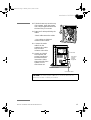
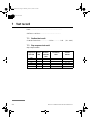
21 Unpack and install
the computer and
printer according to
the manufacturer's
instructions. Place
them to the left of the
system. Do not
switch them on!
Frequency Power, max
100-200 V- 50-60 Hz
30 VA
To UPC-900
Pressure
Analogue out 0-1 V
Remote
UniNet 2
UniNet 1
Mains output
Leakage current, max
3,5 mA
Free mains
outlet for
optional
equipment
Mains
Voltage
100-200 V-
Frequency Power, max Fuse
50-60 Hz
600 VA
T 6,3 AL
WARNING! For continued protection against
risk of fire, replace only woth fuse
of the specified type and current ratings
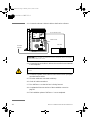
To fraction collector
From mains outlet
CAUTION! The mains power to ÄKTAFPLC must be switched OFF
before the UniNet-1 cabling is installed.
ÄKTAFPLC Installation Guide 18-1140-46 Edition AC
15