1
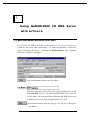
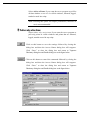
NuDAM-6000 DDE Setup first displays a Welcome dialog box. Please click
to go on installation.
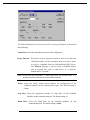
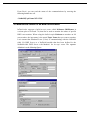
Setup then prompts a user information dialog box including Name, Company
and Serial Number text fields. The “Serial Number” field must be filled in
correctly, otherwise the NuDAM-6000 DDE Server will run in DEMO version.
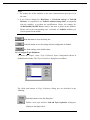
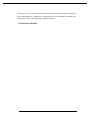
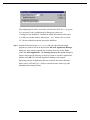
Setup then prompts a dialog box for you to specify the destination directory for
NuDAM-6000 DDE Server. The default path is C:\ADLink\NuDDE6. If you
want to install NuDAM-6000 DDE Server in another directory, please click
Browse button to change the destination directory.
Then you click Next button to go on the installation.
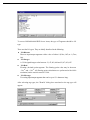
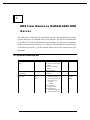
While the installation is completed, the Install directory should contain the
following files:
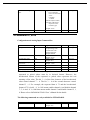
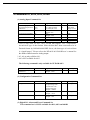
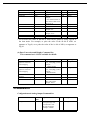
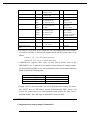
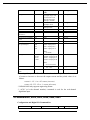
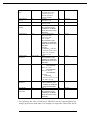
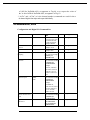
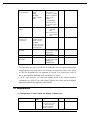
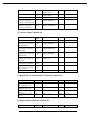
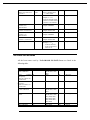
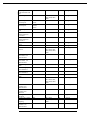
File/Sub-directory
Samples <DIR>
Samples\NuDAM.cfg
NuDAM.exe
NuDAM32.exe
NuDAM.hlp
NuDAM.cnt
Description
InTouch Sample programs
Configuration file for running sample
programs
NuDAM 6000 series 32-bit DDE Server
Program
NuDAM 6000 series Administrating Utility
NuDAM 6000 series 32-bit DDE Server Help
File
NuDAM 6000 series 32-bit DDE Server Help
7